What I expected:
Keyboard function as described here:
Non-breaking (Soft) Return
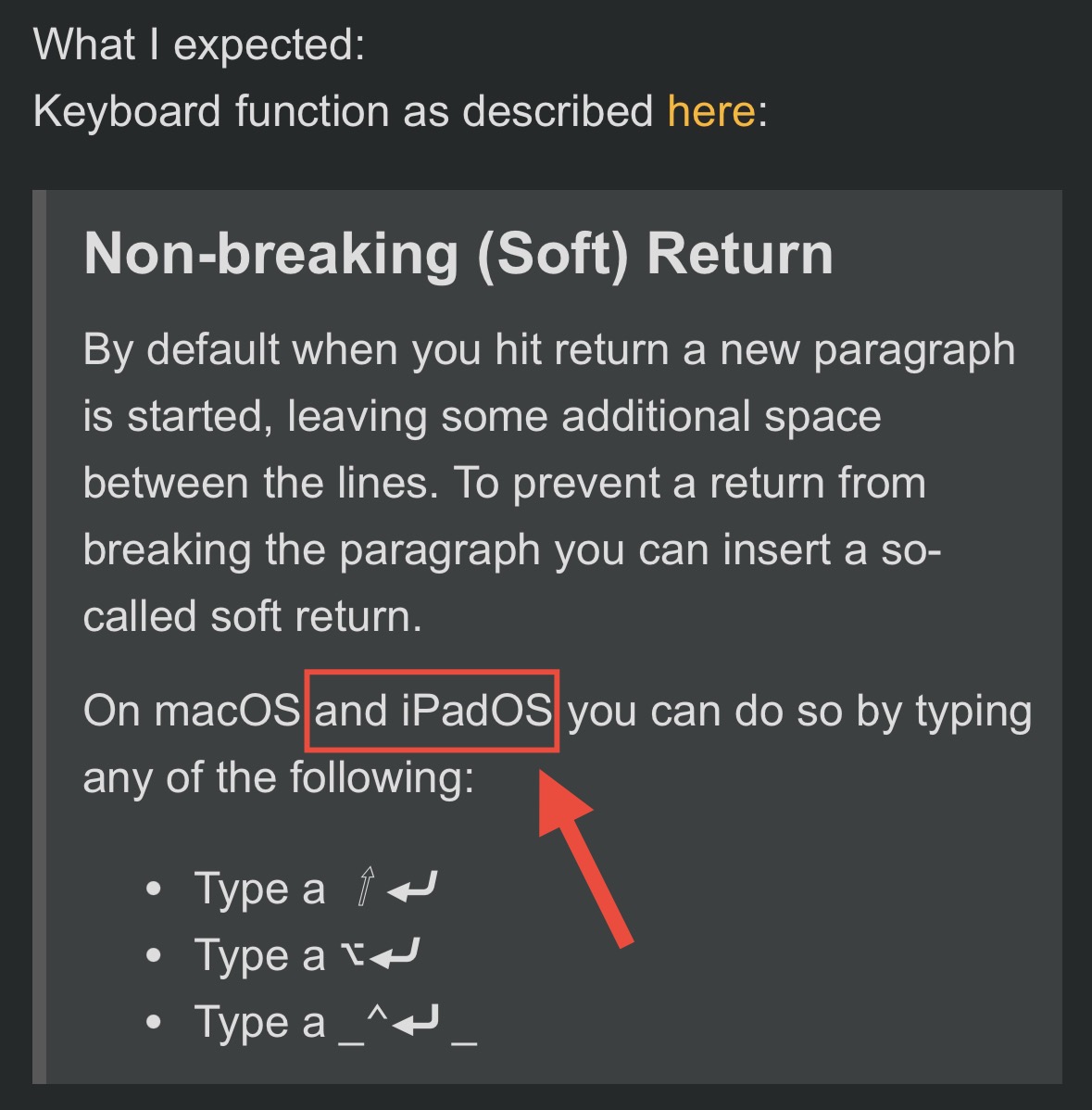
By default when you hit return a new paragraph is started, leaving some additional space between the lines. To prevent a return from breaking the paragraph you can insert a so-called soft return.
On macOS and iPadOS you can do so by typing any of the following:
Type a ⇧⏎
Type a ⌥⏎
Type a _⌃⏎ _
Things that might be helpful to know (Agenda version, OS and model, etc):
Soft return has never worked on my iPad with the keyboard.
Point 3. also happens on the MacBook, but I can deactivate this in the macOS keyboard settings.
On my Mac, using alt-return ( ⌥⏎) works as a soft return, but perhaps it depends on the type of keyboard. I know some European keyboards do have different types of bindings.
I also heard from someone that it changed in the system recently. You might also try holding in shift, for example. CTRL-SHIFT-RETURN or other combinations.
Ah, right. I don’t think it was possible to add it on iPad, which is exactly why we added the keyboard bar button instead. Pretty sure we did try it, but could not get it to work with the iPad text system.