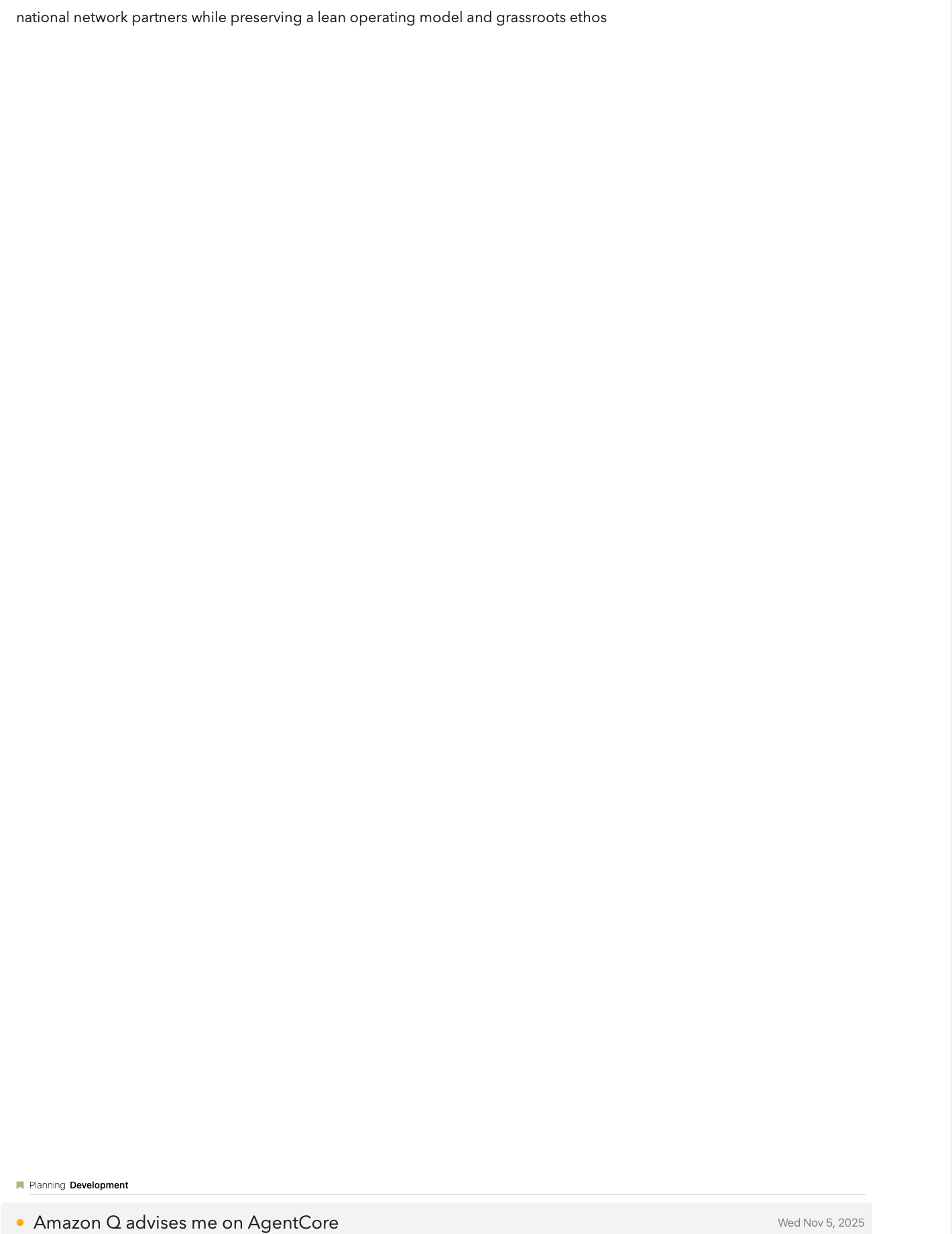
Agenda is putting huge gaps (the equivalent of many line spaces (but actually only one line) at the end of many of my notes. I can remove that gap by going to the end of it and hitting the back space key. But I have to repeatedly do so. In other words, when I come back to that note at another time, I have to do it again. It’s making Agenda almost unusable for me. Or certainly it makes it much less desireable for me to use it. I don’t know what is causing this. It is corrupted? I’ve attached a screen shot so you can see what I’m talking about.
I believe this is the same issue: Blank space appears on bottom of old notes If so, we should have a fix available soon!
1 Like
Indeed, this is a bug. It is purely cosmetic: it should not change the content of your notes.
We have a fix coming in a few weeks. It is already in the beta version if you are using that.
For now, rotating the screen on iOS back and forth, or resizing the window slightly on Mac, should correct it at least temporarily. Entering a space or making a small edit too.
Sorry for the trouble.