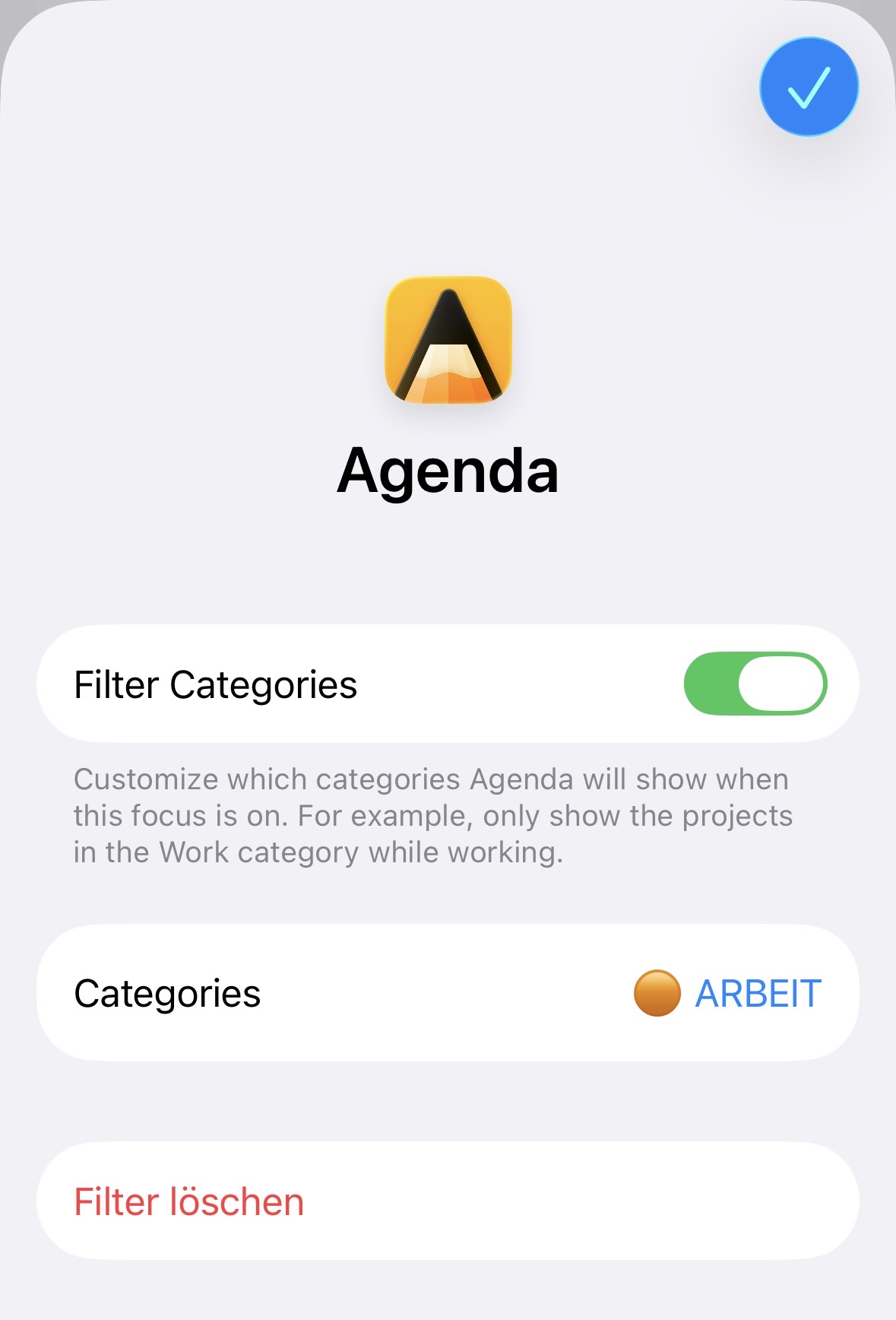
I’d love to be able to filter the project sidebar to only show categories and projects that have On the Agenda Notes. I know this is visually indicated with a little dot on the project icon, but it would be great to be able to hide the others.
Why? I tend to use OTA for notes that are generally active and need progress, rather than to mark notes I plan to work on today. Hiding everything else would help me focus.
I don’t remember exactly, but I tested those filters at the clock at the bottom once and then forgot they even existed.
At some point, I created my own smart views, “Edited Today” and “Last 2 Days,” which work for me.
The “Edited Today” filter at the clock at the bottom unfortunately returns incorrect results. Right now, the “Edited Today” filter shows me 4 projects, but I’ve only edited one note from a project today. As expected, there should only be one project on the left side of the list.
A Note:
I think there’s a description of this feature here:
Unfortunately, I couldn’t find anything about it in the “How To” category of the community. Please add it.
@trebso Right, if a priority project goes untouched for a while, the recent filter loses it. That is exactly the case the On the Agenda option would cover. It’s on the list.
@Roms My guess is the Edited Today discrepancy comes from indirect edits. A note counts as edited when something in it changes, eg a reminder is removed or a tag or person is renamed, even if you didn’t type anything yourself. We have it on the list to improve that.
Good point that the clock filter options are missing from the How To section. We’ll look at adding that.