What I did:
restart computer, agenda, Mac calendar
What happened:
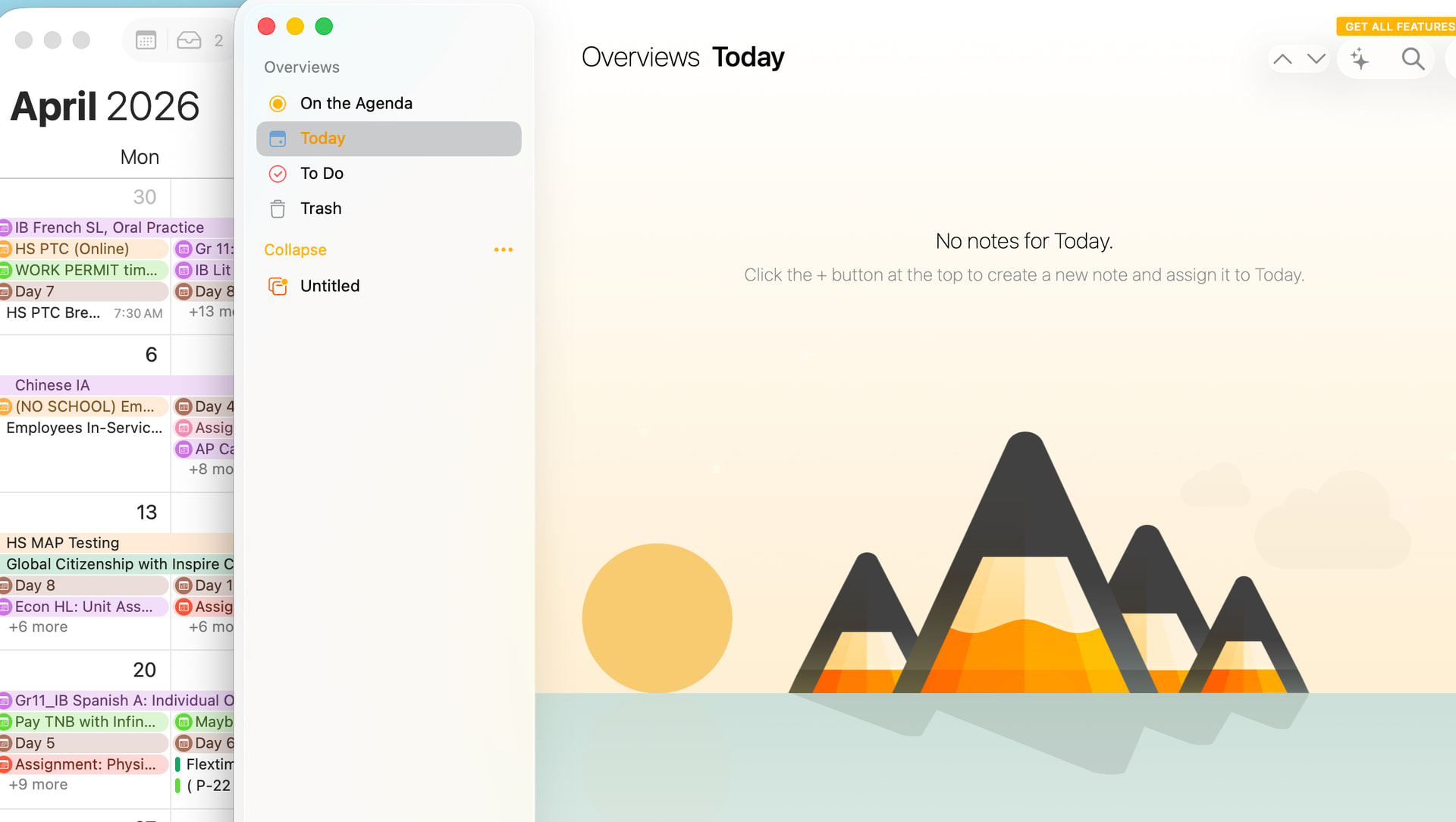
nothing. calendars are present in calendar app on the Mac - not in agenda
What I expected:
new user / not subscribed if I can’t get this to work / need to evaluate the program with calendar sync
Suggestions?
here is a screenshot of the calendar on the mac and no events synced in agenda
Agenda doesn’t sync your calendar events like a traditional calendar app. Instead, you link notes to calendar events. The calendar events show up in the calendar panel on the side (right panel on Mac).
It looks like you right panel is closed. Click on the button half way up on the right. That shows the “Related Panel”, which includes events from you calendar. Initially, you do have to click the button to give permission.
If you still don’t get the events, check in System Settings > Privacy & Security > Calendars, and make sure Agenda is enabled.
Once that’s set up, you should see your calendar events in the right panel. You can then link any note to a calendar event by clicking the calendar icon at the top of the note.
Hope that helps!