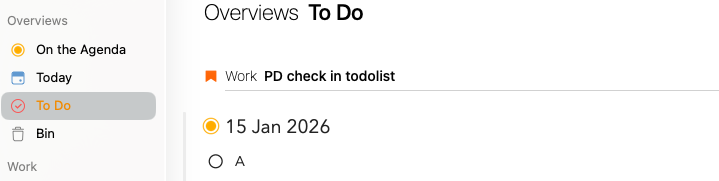
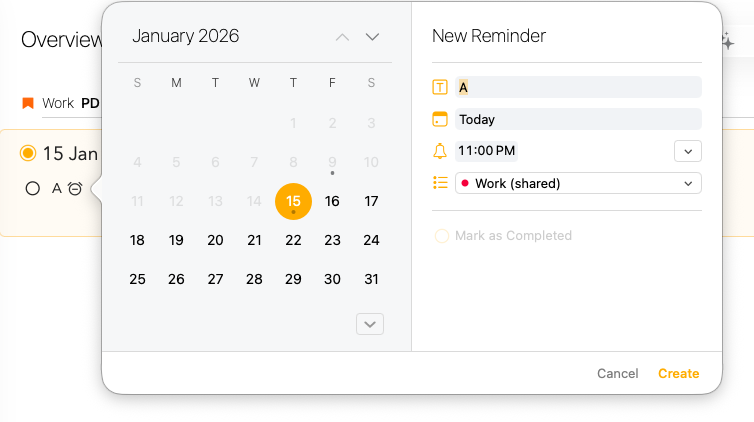
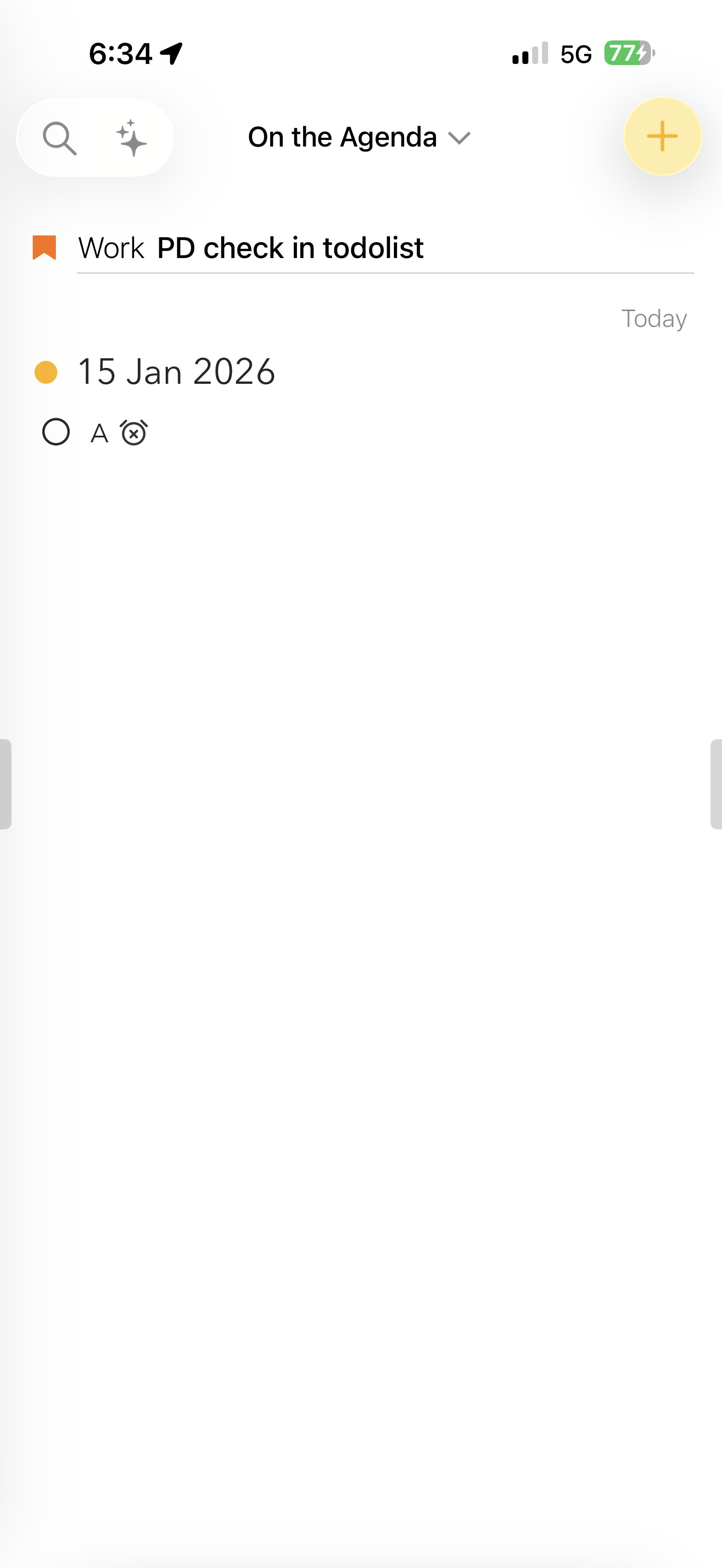
What I did: I created a Notes and have 3 checkboxes. One of the checkbox I inserted a Reminder (Apple Reminders) so that the task is recorded in the Apple Calendar App to alert me when task is due.
What happened: I noticed that whenever the Notes has a reminder, it will not show in the Overview/To Do.
What I expected: I assume all Notes will be shown in the To Do
Things that might be helpful to know (Agenda version, OS and model, etc): iOS 26.2 and MacOS 26.2
The idea of To Do is that it will show notes that have at least one unchecked list item. It is not related to reminders, but to checklist items.
Whether it is useful depends on how you work, but you can also make your own overviews using search. If you search for \todo you get the same thing as the existing To Do overview, but you can combine it with other things (eg search for a tag) to make it more advanced and specific (eg To Do for Work).
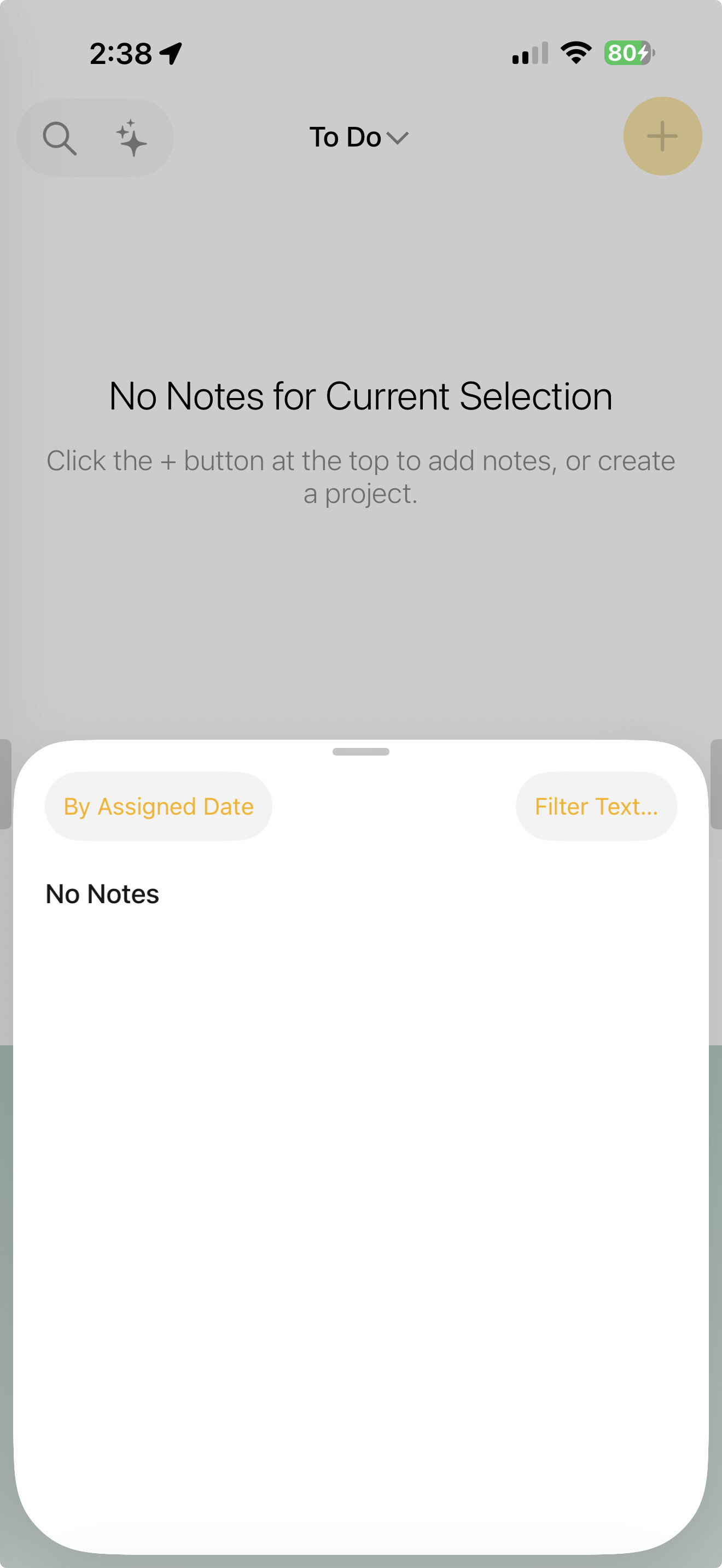
For my case, I added a reminder to the “A” item. However, this note was removed and not shown in the To Do list on the mobile app. It still appears in the To Do list on macOS but not on iOS.
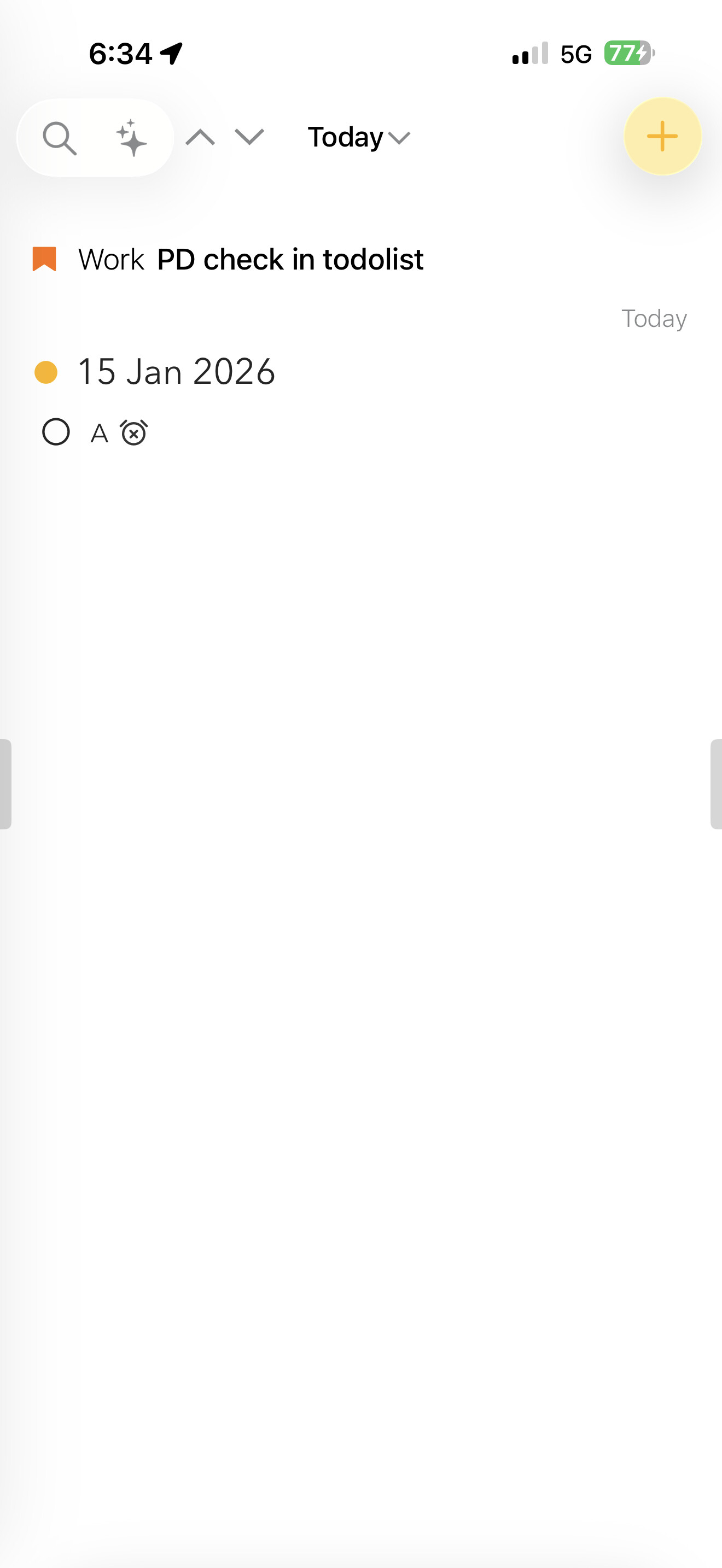
Yes, the Notes app is listed on the Agenda and Today sections but not on the To Do list. When I updated the content, both MacOS and iOS updated promptly.
Does searching work in general in Agenda on the iPhones? Eg. If you search for a word, do the results show notes with that word? Or is the list always empty?