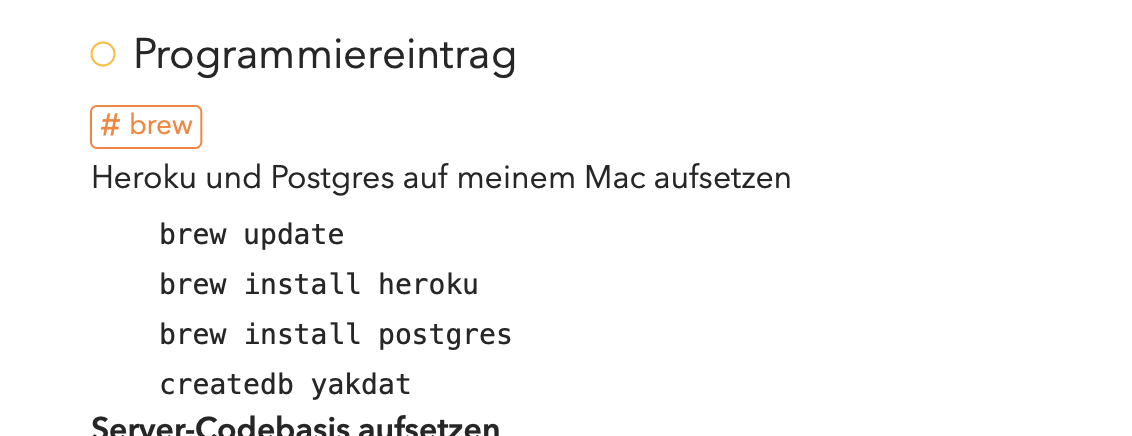
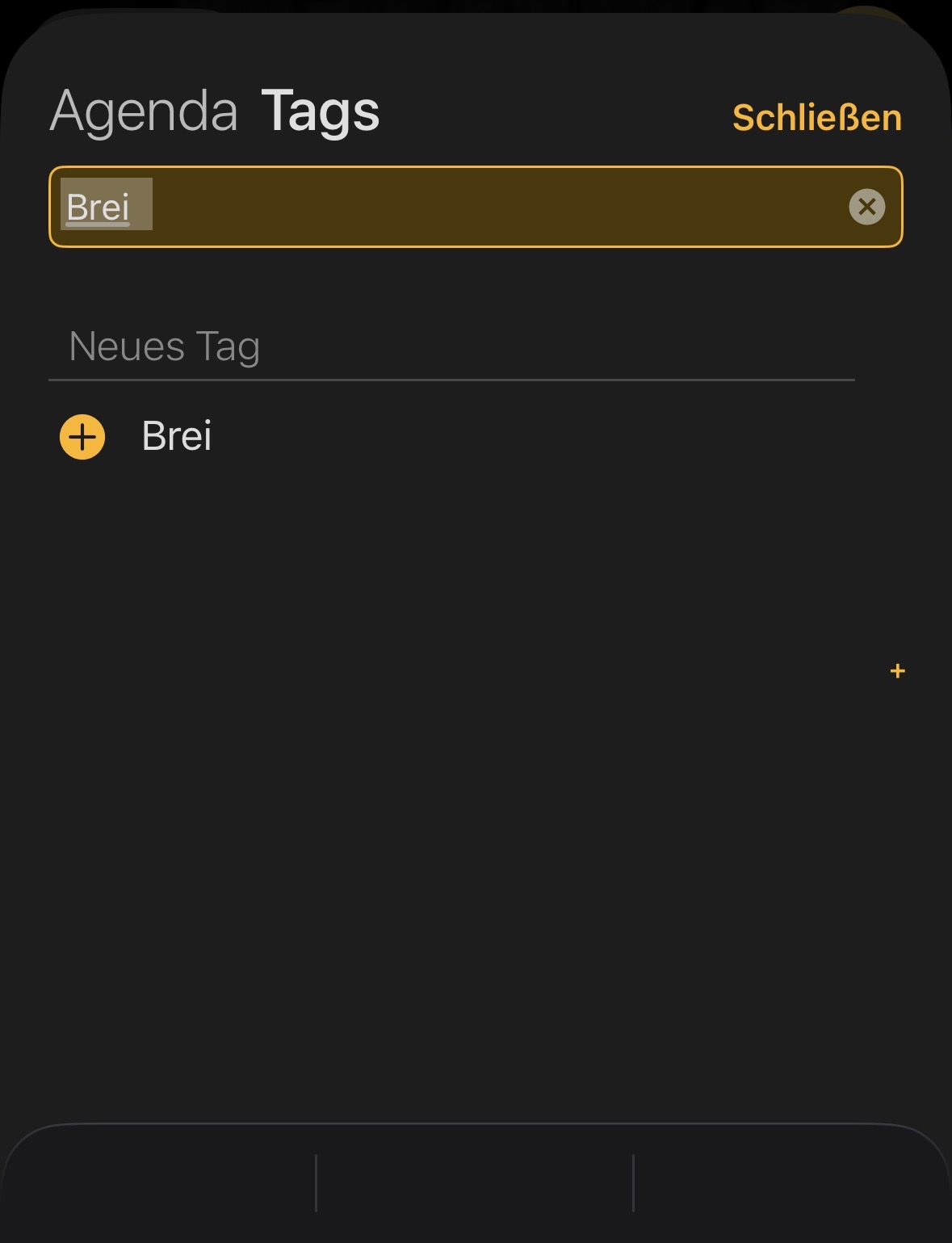
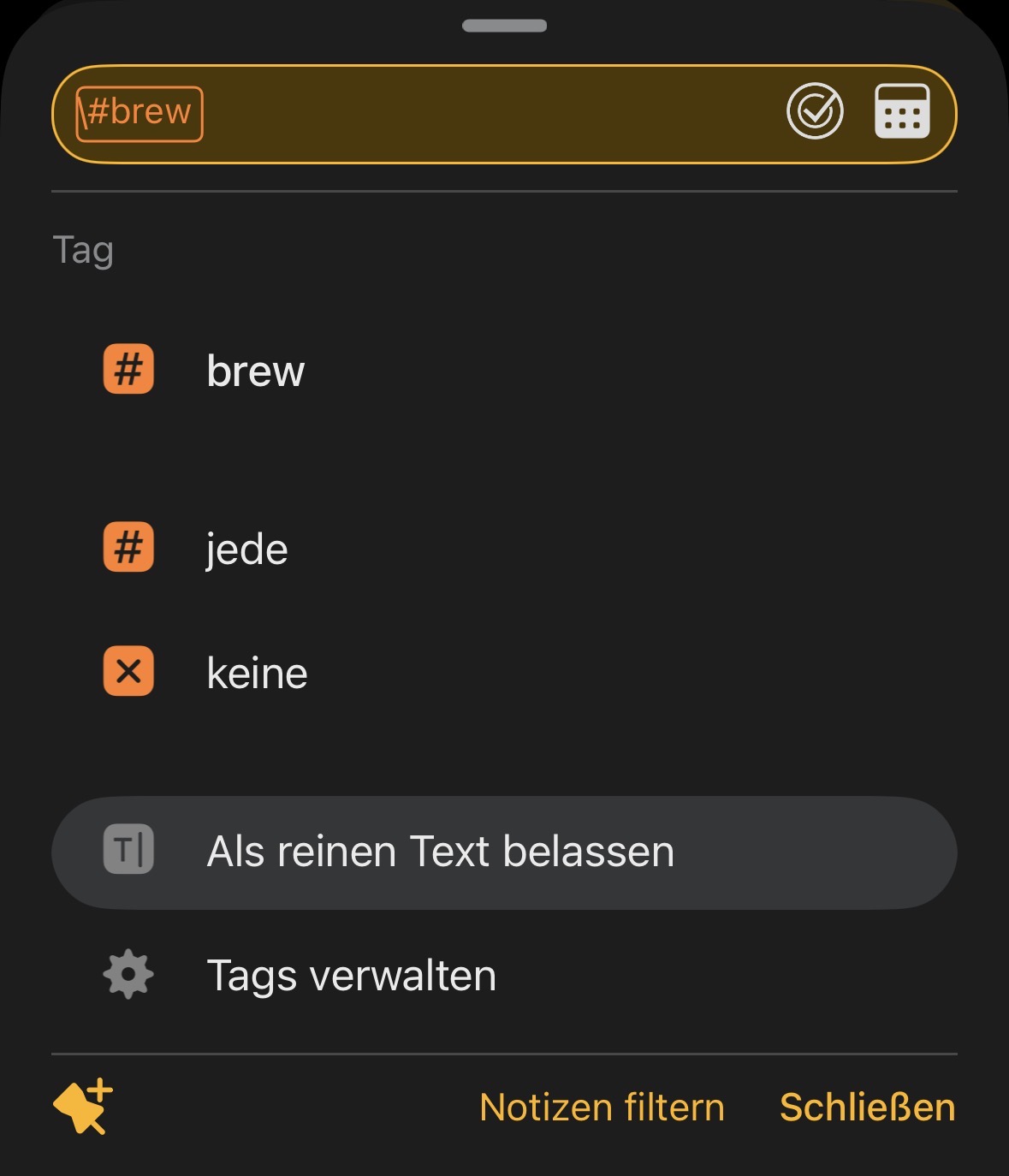
I type #brew into the search bar on my iPhone and then tap the blue search button in the bottom right corner. There are no search results. Not even when I tap the suggested tag afterward.
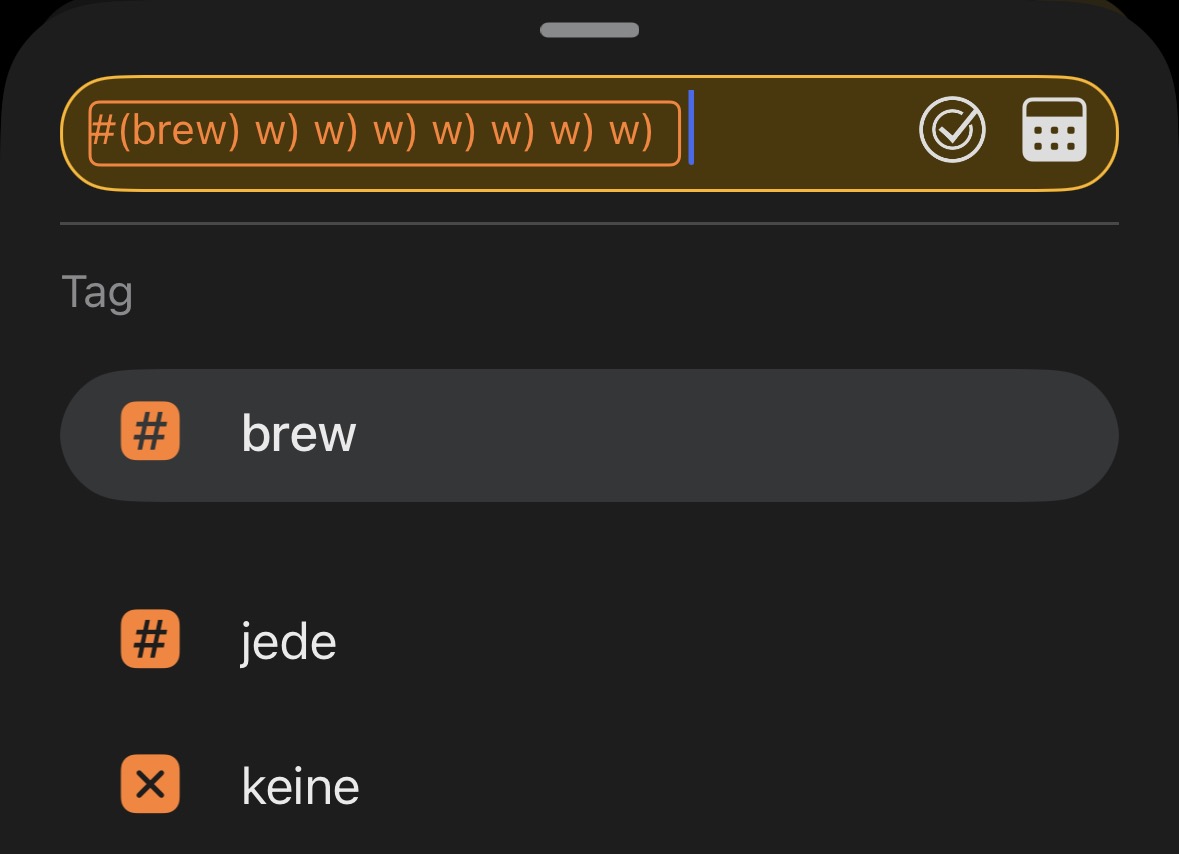
Tapping the blue search button or the suggested tag “brew” multiple times generates a lot of weird stuff and junk in the search field.
When using an external keyboard on the iPad, this also applies to the Return key.
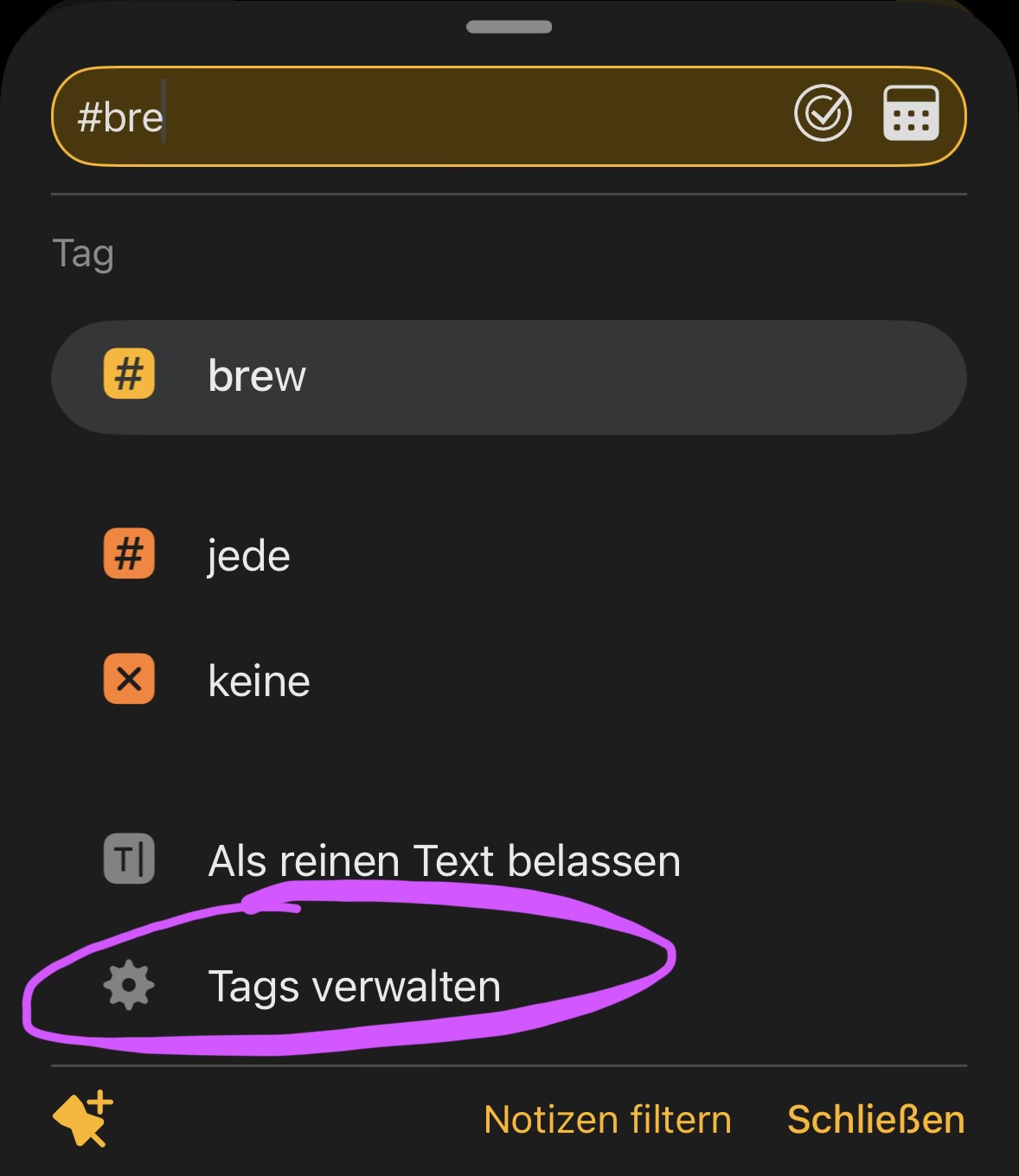
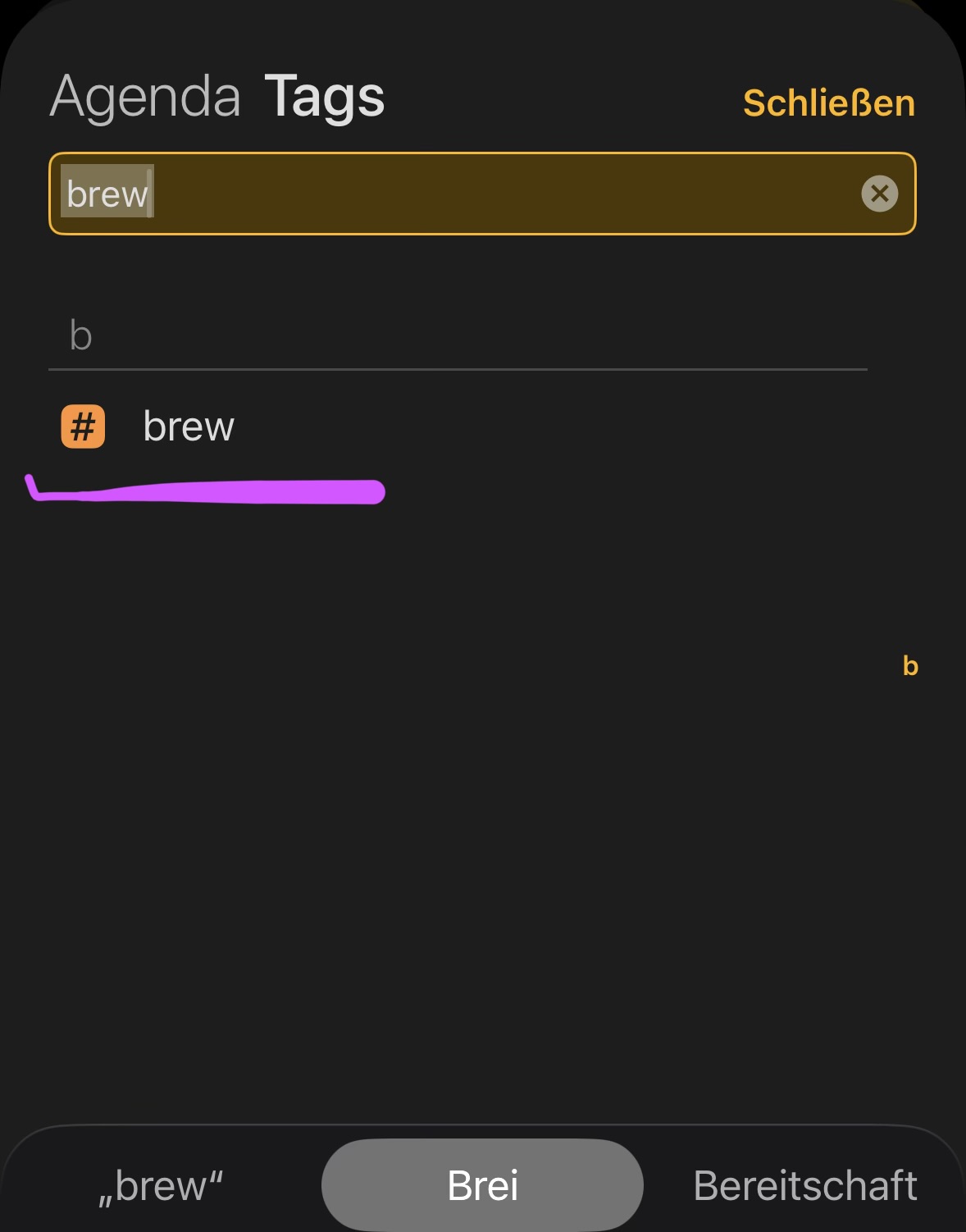
Then nothing happens. Not even if I search for #bre in the tag manager.
And after typing #brew, this happened too. I have no idea where it came from, but the search field seems to be translating into German. I was able to reproduce it, and I’m sure I didn’t type anything else.
The tag manager in the search window just won’t leave me alone.
In my opinion, it’s completely useless in this context. I can search for tags there, select them and… that’s it.
To be honest, I’d actually prefer to use the manager for searching in this context.
Find a tag, select it, and it ends up in the search field, where all I have to do is click ‘Search’.
Hmm, I can’t really see any major changes.
The video shows the only thing that looks different now following the update.
The other issues I mentioned in my first report are still present.
The tag glitch is fixed, right? What other issues?
I thought about the tag manager. It’s not really a bug. It was a deliberate choice: we figured that when you are searching, you may realize you have to fix your tags first, so it seemed like a good place to have a link to the manager. It’s pretty easy to ignore.
If you edit the note, and wait 10s, does it get found then?
I can see the tag is again messed up somehow. How are you getting that to happen? Not just hitting return, right? Or are you going back into the tag and hitting return?
Hi Drew, I’ve recorded another video.
Here you can see that a tag is only found once an additional matching letter is added to the search. I’m not sure what happens after that. An ‘AND’ operator is probably used.
If you click on that tag, is it set to “optional” or “required”?
Is there anything unusual about the location of the note that contains it? Eg. Is there a paragraph filter applied to that project or something like that?