Since updating to macOS 27, the sidebar sometimes looks washed out. Category names and project icons look as if they are out of focus.
It only happens on one of my computers; on the other one, everything works perfectly.
Sometimes, switching between apps several times fixes it temporarily, but as soon as I scroll through the category list, it looks wrong again. Other times, even quitting and reopening Agenda doesn’t fix it.
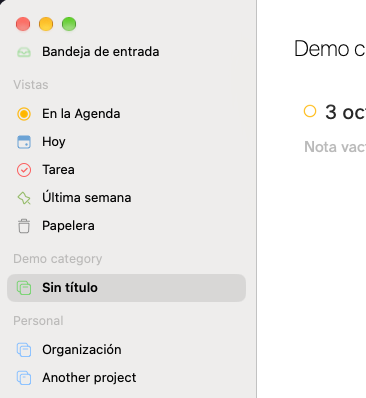
On the screenshot is not as noticeable I swear that I can barely see the category names and the icons.
This another screenshot is without focus.
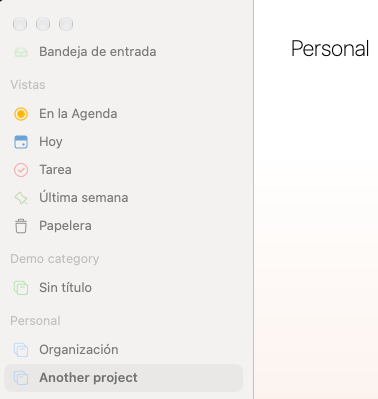
I know something isn’t right. The titles used to be darker?
BTW: I tried getting screenshots on my other computer but now it has the same issue.
I mean text like “Demo category” or “Personal” and the project icons.