What I did:
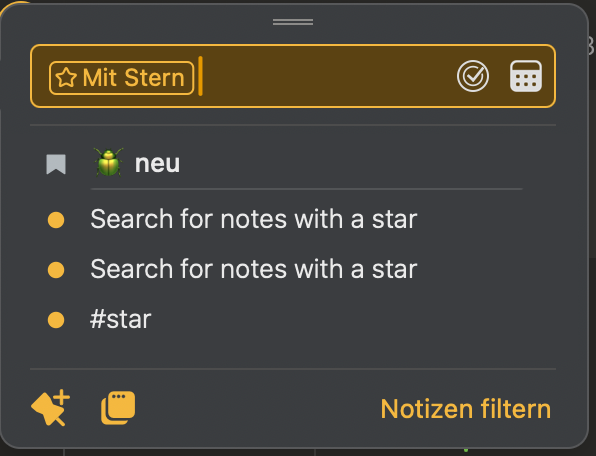
I searched for notes marked with a star and entered the following in the search field:
Search for #star, as in these instructions:
What happened:
No matches found, but there is at least one.
What I expected:
I want to find notes with a star, not with a tag #star.
There are further problems with searching for a star, which I need to document in more detail. Sorry for all the examples.
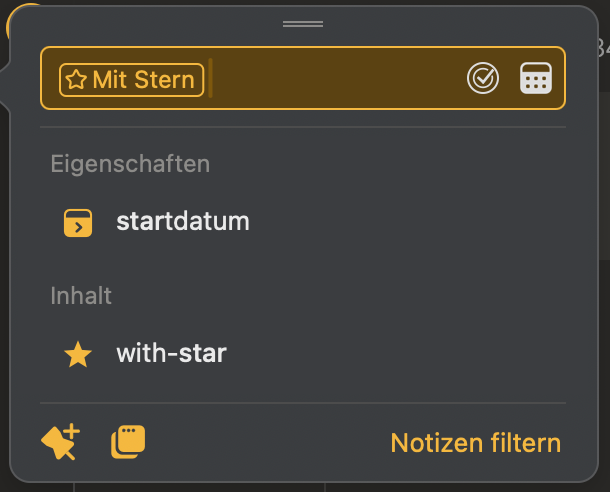
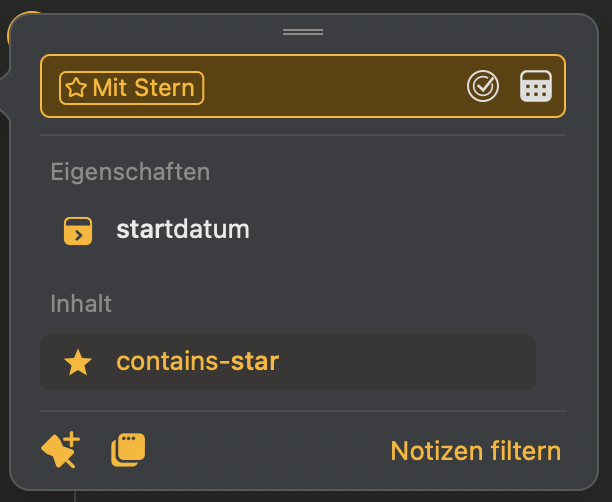
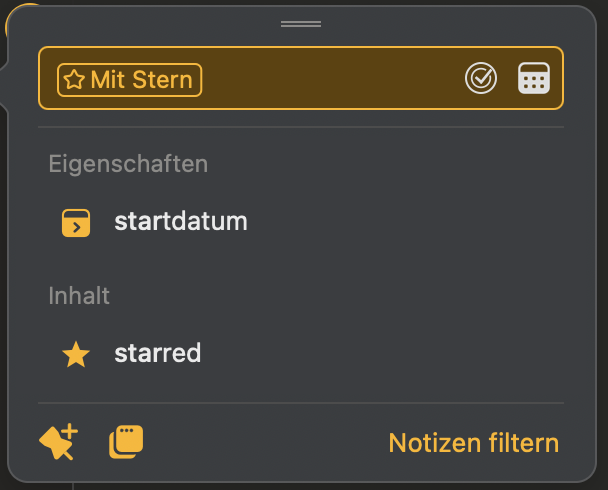
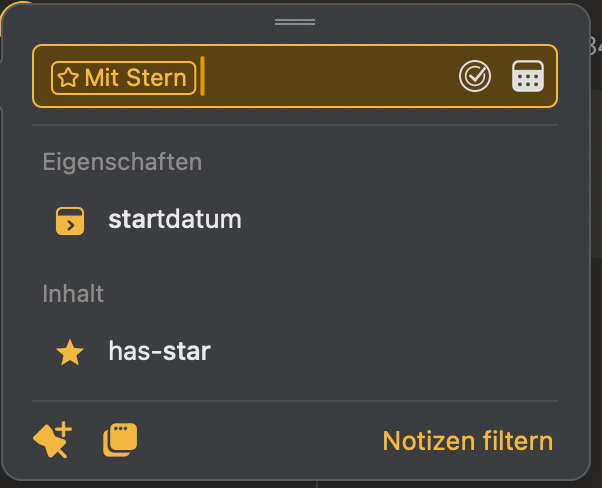
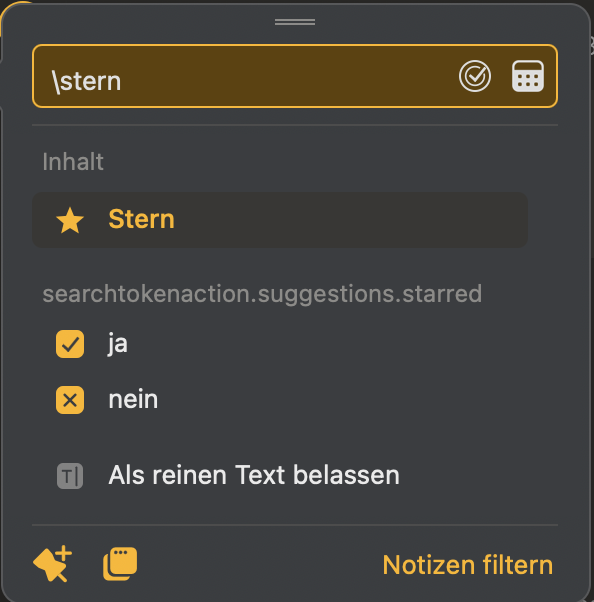
Enter in the search field: \star and click on Content (has-star, starred, with-star…) and then ⏎, or use ↓ to select Content and then ⏎
These suggested search queries do not return any search results:
#star doesn’t work at all.
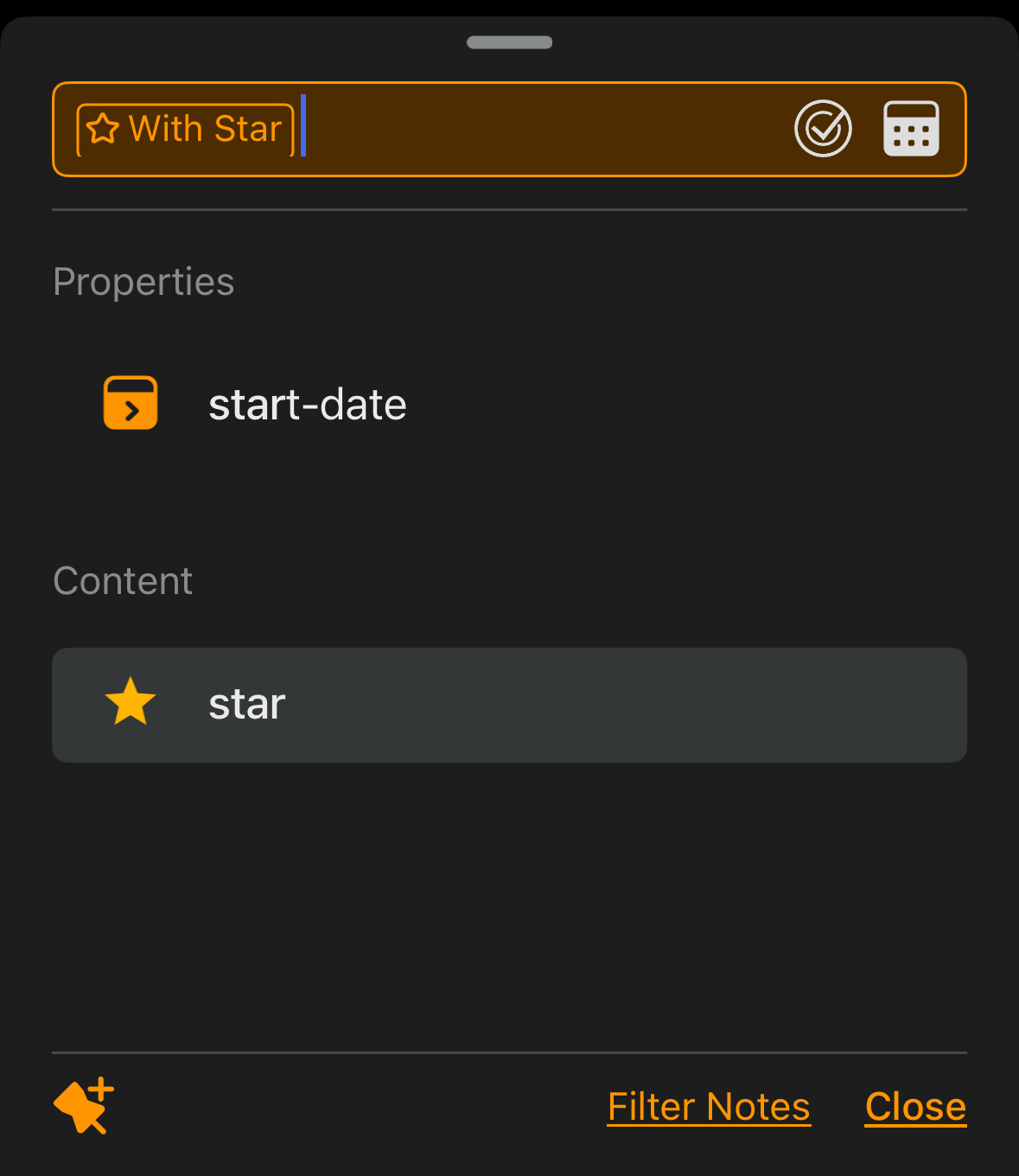
Not even when I change the app language to English on my iPhone.
And yes, in German, \stern works, and when changed to English, \star works.
When the language is set to German, there are 4 or 5 different contents, and they are in English. However, when the language is set to English, I only see one: “star” (see image below). This confuses me.
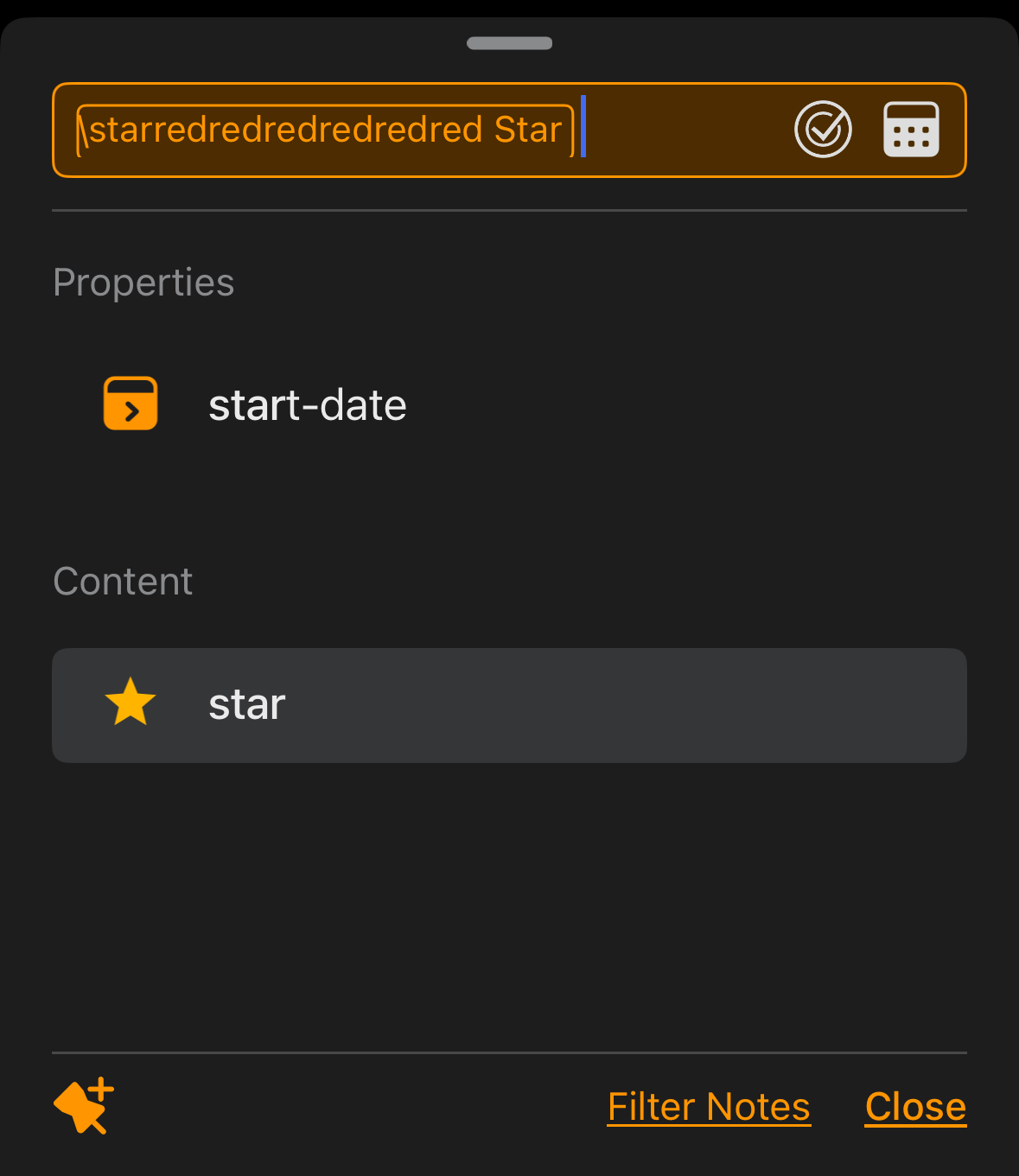
I then typed in “star” and nothing was found here either. It seems very unstable.
If I can only use \stern when searching for star, then that is also very confusing for me. This restriction does not exist, for example, when searching for \reminder or \color and many more. You have to draw a clear line, otherwise you quickly get lost.