… Is this an Agenda based extension, inside the Agenda 23 update, or is it a separate Safari extension? If so, where do I find it? I went looking for the latter without much success. Found lots of apps, no extension.
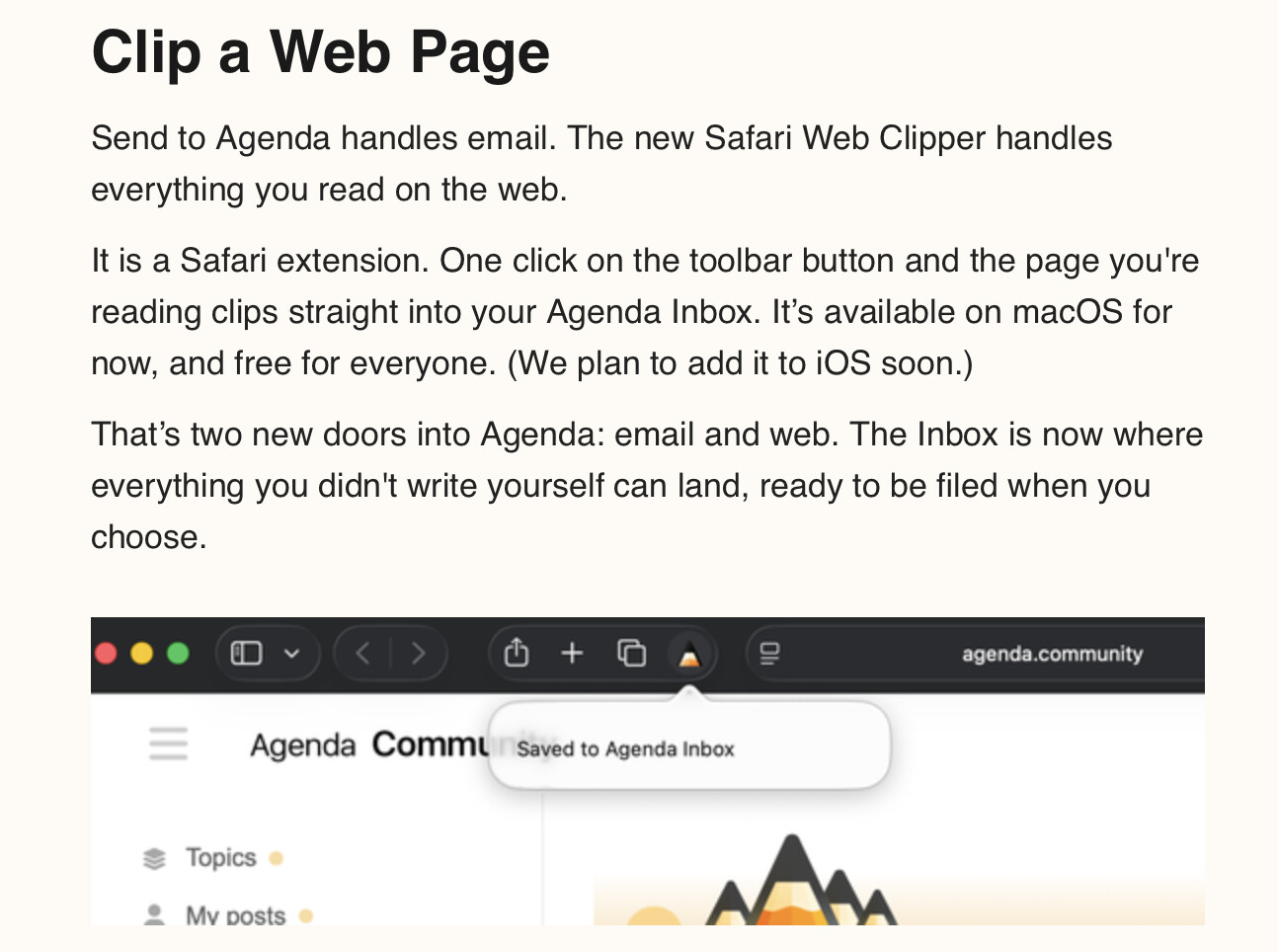
It is a Safari extension that ships inside Agenda 23. You don’t download it separately. After installing or updating Agenda, open Safari > Settings > Extensions, and you should see “Agenda Web Clipper” in the left-hand list. Tick it to enable, and then the clipper toolbar button shows up in Safari.
Note that in the extension setting, you should make sure it is allowed to clip any web site. Some people reported issues if that isn’t set there.
Once enabled, clicking the toolbar button on any page captures the article into your Agenda Inbox project. Thanks to @duhamel.david for jumping in already.
Is it possible to access the extension file directly via the Finder? I have discovered that it’s possible to use Safari extensions in the Orion browser if you can navigate to the extension in the Finder.
Same answer as in the other thread: the extension lives inside the Agenda app bundle. Right-click Agenda in Applications, Show Package Contents, then dig into Contents/PlugIns where you will find Agenda Web Clipper as an appex. Whether Orion can load it from there, I am not sure, since these are signed Safari App Extensions tied to their host. Let us know how you get on.
Thanks a lot for this nice and handy tool. Are there plans to change something with the image handling (live preview instead of showing the links) and some better text formatting ?
For this first version the clipper works a bit like Safari Reader: it pulls in the text and inline images and lays them out cleanly, rather than giving live previews of every image. Richer image handling and better formatting are things we would like to improve, so I’ll take both along.
If you have a particular page where the formatting or images come across poorly, feel free to share the URL so we can test against it.
 !
!