Hello everyone, I love Agenda is my favorite producitvity app. I wanted to give some feedback on stuff I’d love to have.
Overviews (Stored Searches)
It would be helpful to have some kind of indicator showing whether an overview contains notes, similar to how other icons change depending on whether they contain none, a few, or many items.
I love Agenda’s subtle approach, but I would also appreciate the option to display a note count next to some overviews so I can quickly see what’s inside. Right now, I have to click through each one to find out.
Snippets
Again, I love how code snippets integrate with notes in Agenda, but I would really appreciate a quick “Copy” button. At the moment, I have to manually select all the lines and copy them.
Longer snippets also don’t work particularly well in Agenda. To add another item to my wish list, I’d love to see snippets displayed in a collapsible block that only shows the first few lines instead of the entire snippet. Perhaps this could be a different type of snippet.
I imagine a snippet header above a code block that displays the selected language (clickable to change it) and includes a copy button on the right.
Since snippets are ultimately just text, I don’t think longer ones should be a problem. As a workaround, I currently add them as files, but that’s less convenient. It could be enough if I could copy the content of the file like a new option thought.
Comments
I’d love the ability to add comments to notes, even when working solo. This would let me add information, thoughts, or context without cluttering the note itself. I imagine something like a message thread below the note.
Yes, I can create a heading and hide it, but that doesn’t really feel like it’s separate from the note.
Theme
I’d love a theme that sits somewhere between the current light and dark themes: high contrast, but not pure white. Something easier on the eyes.
My eyesight isn’t what it used to be, and the light theme feels a bit too bright and harsh. A softer off-white or neutral background would be much more comfortable for extended use.
Widgets
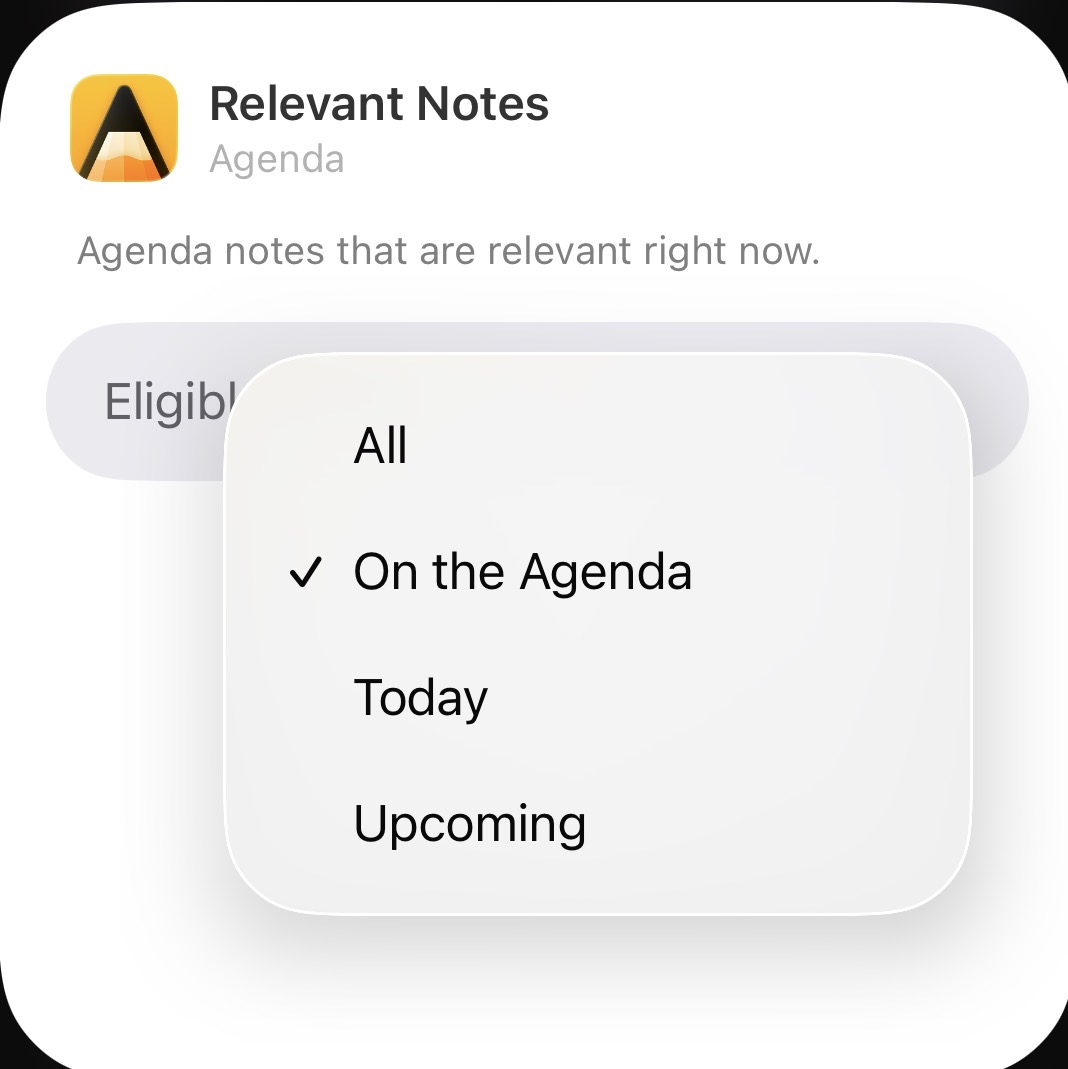
The Relevant Notes widget feels a bit too dynamic for me to rely on consistently. I think an Overview widget, where users can choose a specific overview to display, would provide much more control over which notes appear on the home screen.
The “Favorites widget” is very limited as well. That said, an Overview widget could solve this use case as well. For example, I could create a “Favorites” overview and choose to display it in the widget using a customised favorite overview (favorite tag for example).
Greetings, Carlos.