I have a very hard time reading the text in the left sidebar on my MacBook. It’s small and the contrast is bad. Is there a way to change this? It is better in dark mode, but I greatly prefer light mode. Thank you.
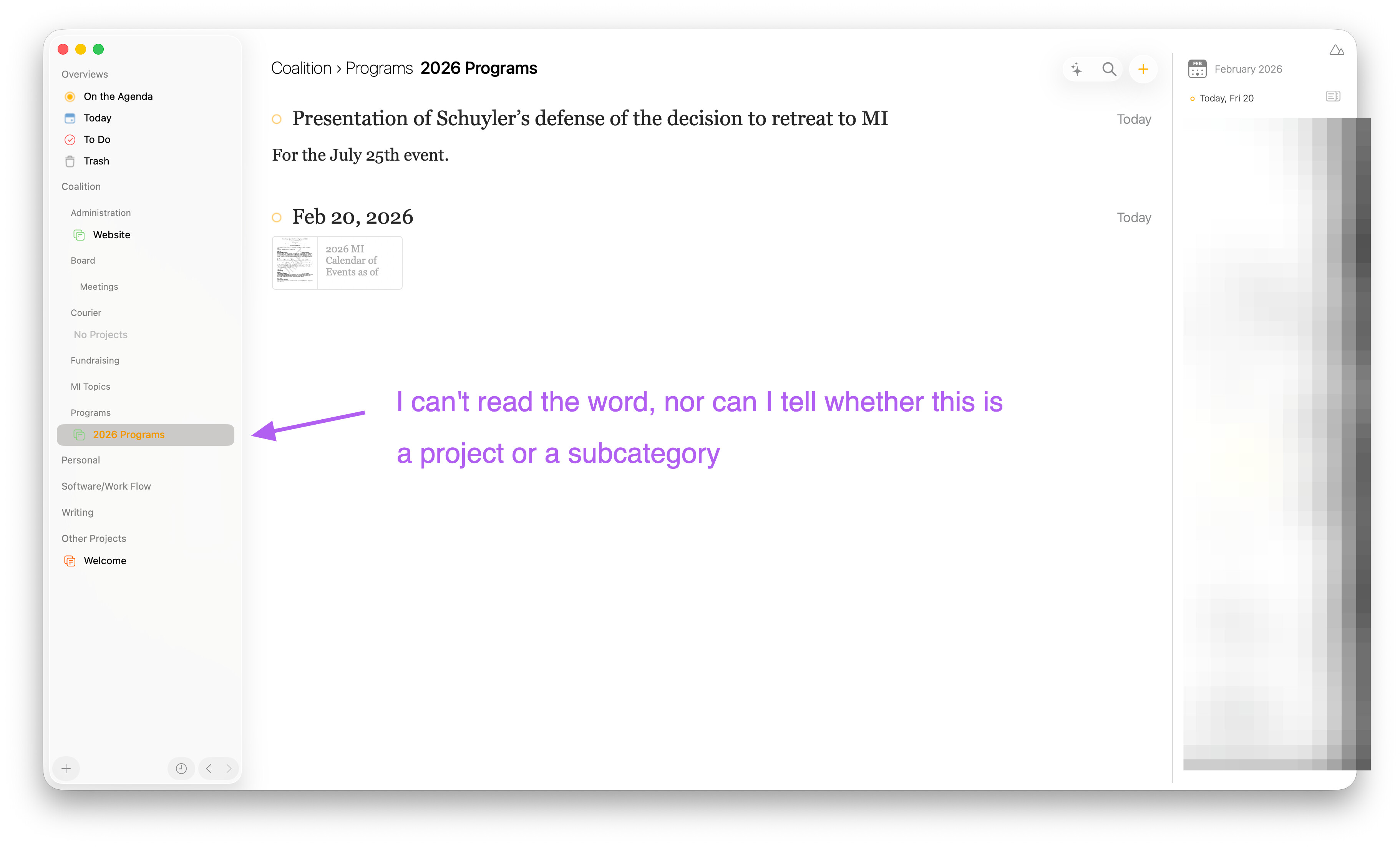
We don’t have special setting for that in Agenda, but note that you can change the text size of your macOS screen in general in the Display settings of Settings app.
It does affect all apps, but maybe that would help.
Kind regards,
Drew
That isn’t a perfect solution, but it did help, so thank you. I appreciate it. I am enjoying using Agenda and glad that I purchased the lifetime plan.
1 Like