What I did: I tried to open / login to the Agenda Community using the following icon (in Agenda top right corner:

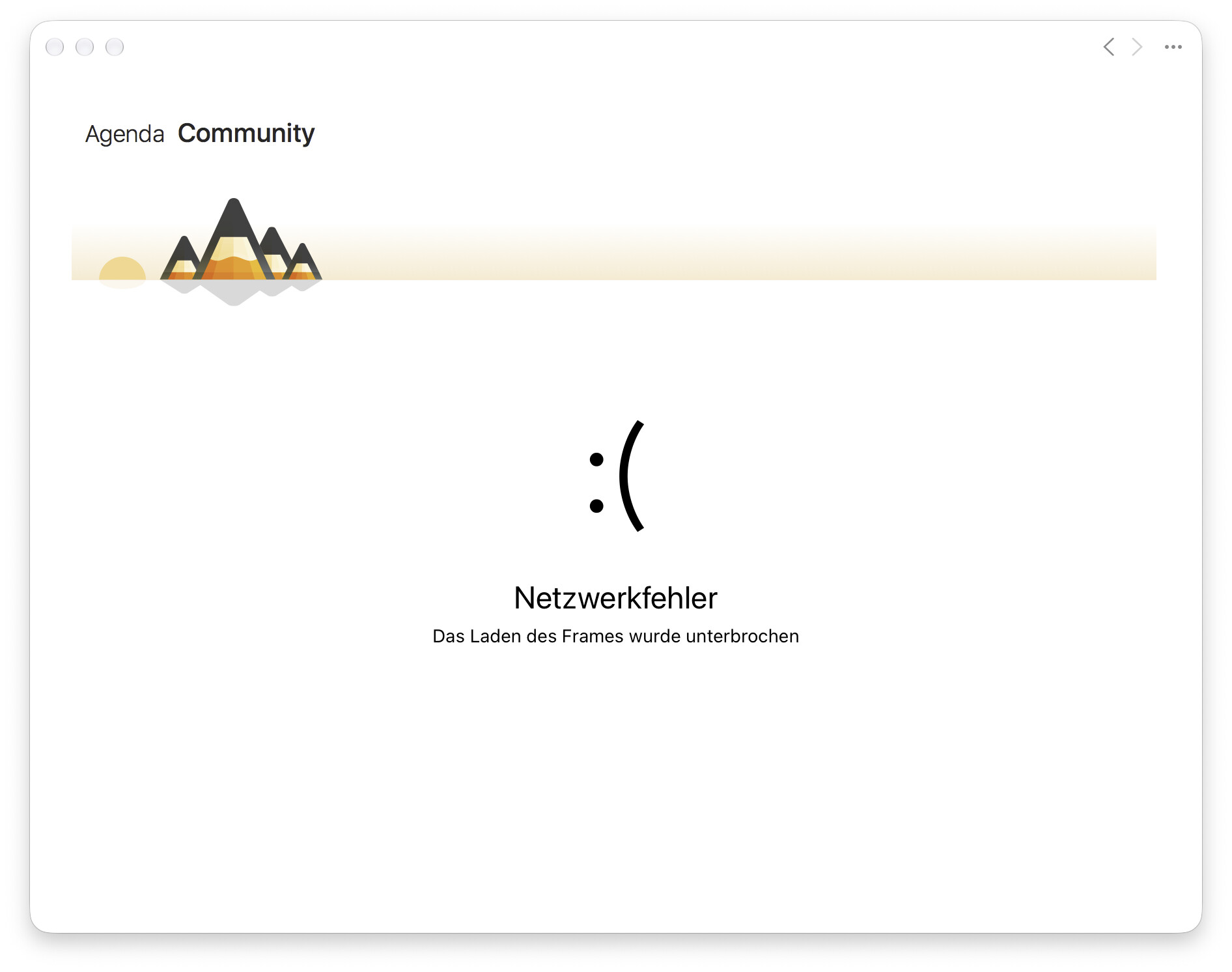
What happened: A new windows opened and I saw the message “Network Error”:
What I expected: I expected the community windows to open.
Things that might be helpful to know (Agenda version, OS and model, etc):
Thanks for reporting this. It is a bug on our side. When you are not logged in to your Agenda Account in the app, Log In is supposed to show our own login sheet, but a recent change makes the window show that network error instead.
We have a fix coming. It should be out in a day or two.
Sorry for the trouble.
Kind regards,
Drew
Thanks for letting me know. Will wait for the bug fix.