What I did:
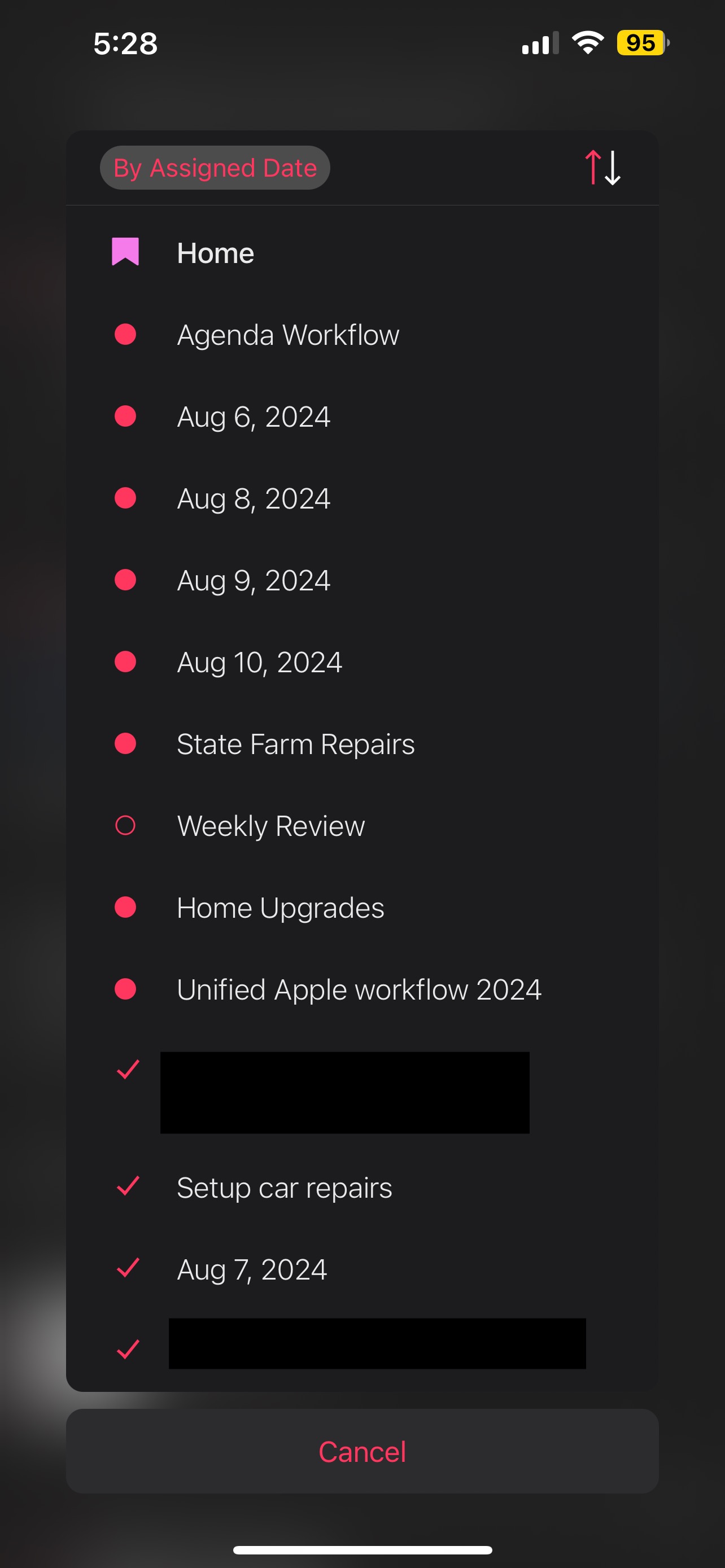
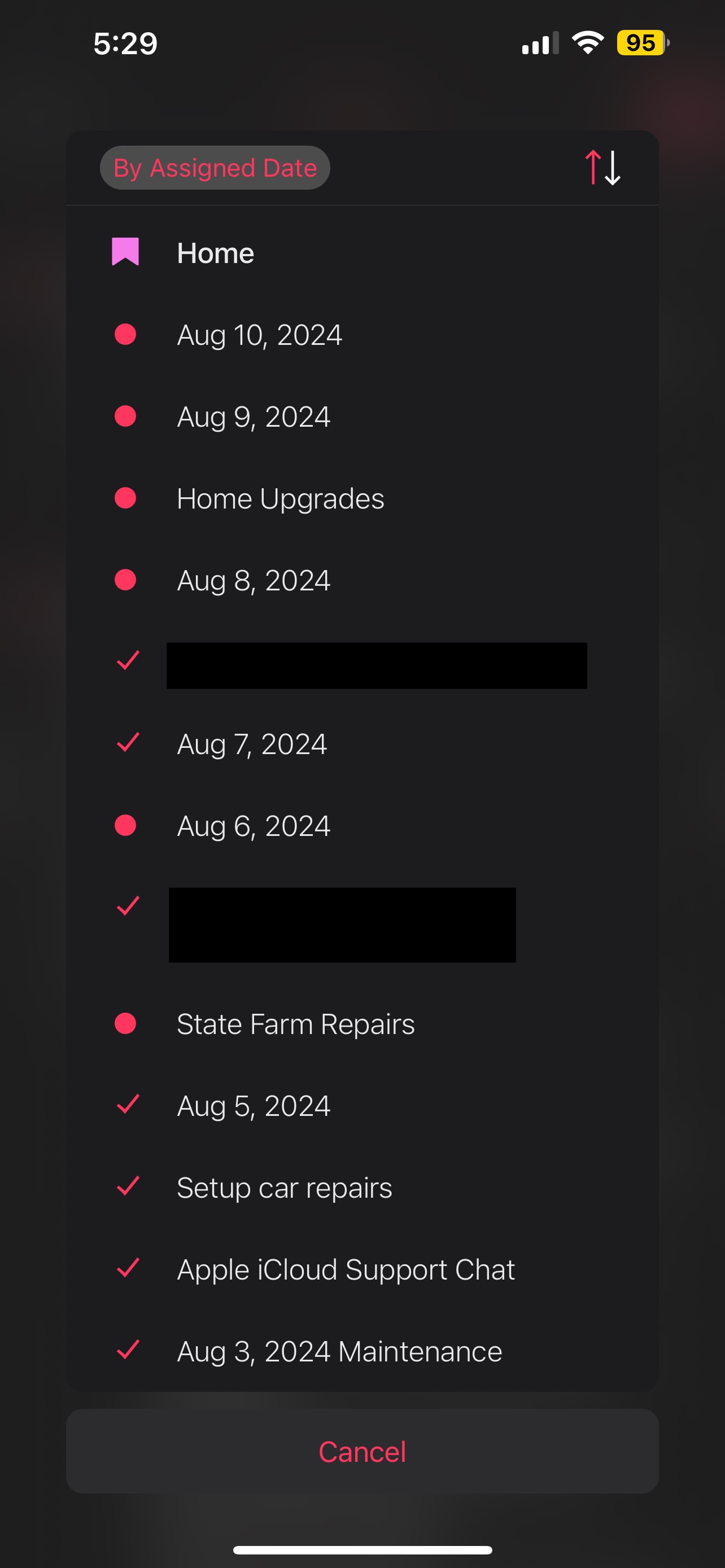
I created 5 notes in a new project with assigned dates Jan 31, Feb 13, Feb 25, Feb 28 and Mar 1.
What happened:
If I sort the project by assigned date with no grouping, the notes sort correctly by assigned date. If I add grouping by marked done to the project, the marked done note moves to the bottom of the list…but the remaining assigned dates sort out of order.
What I expected:
I expected all marked done notes to move to the bottom of the project (which happens). I don’t understand what causes the remaining assigned dates to sort out of order.
Things that might be helpful to know (Agenda version, OS and model, etc): Downloaded Agenda yesterday (Jan 31, 2024)
The way it is supposed to work is that, if you group by marked-done, all marked done notes should be together, and within that group, they should be in date order. In other words, Agenda tries to keep the same order as before, but will move the notes into the appropriate group.
Are you seeing something different? Notes not in the correct date order?
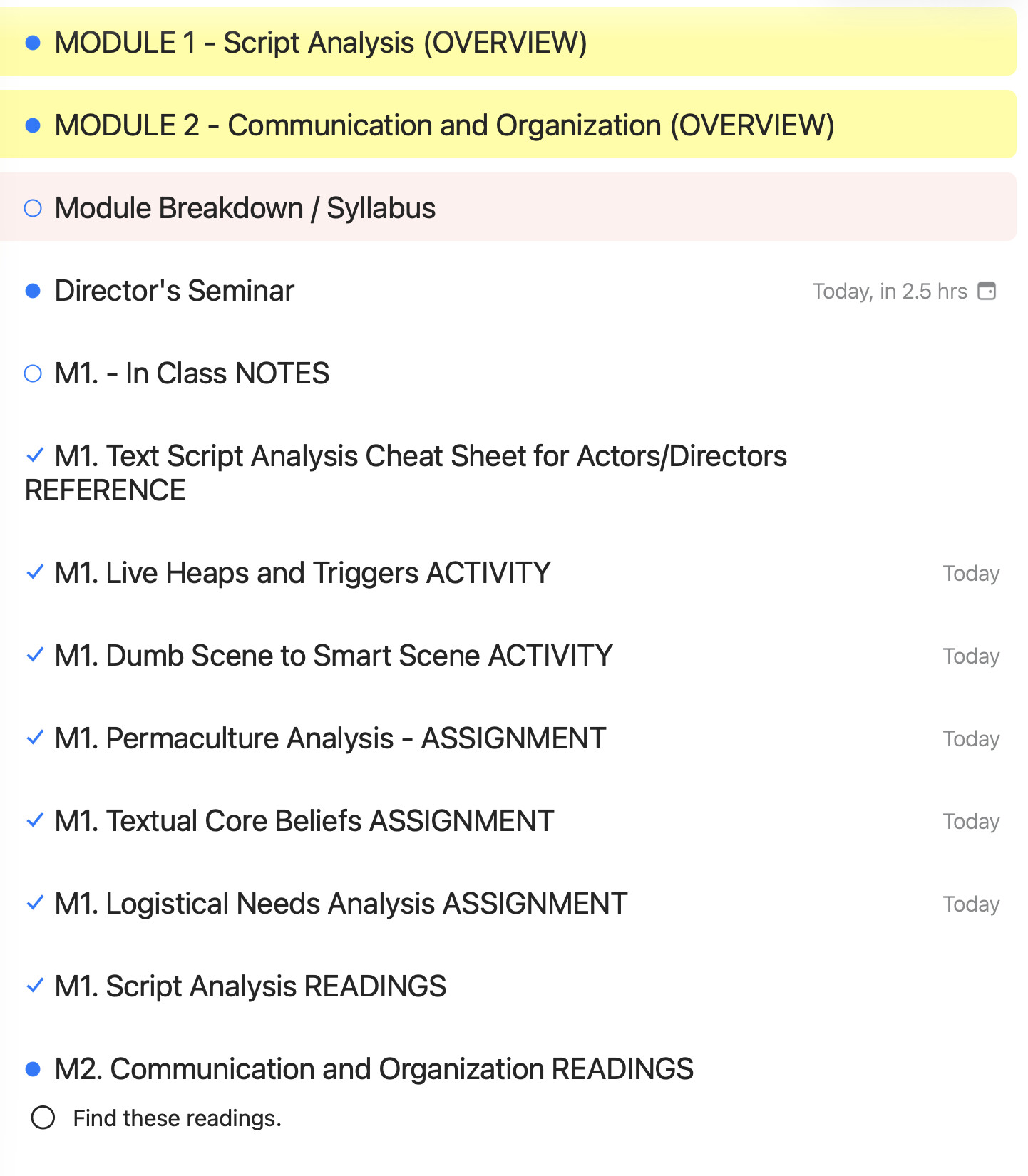
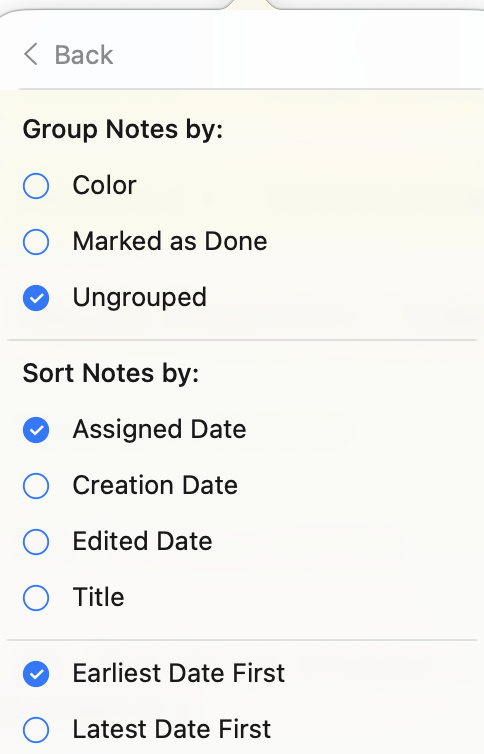
I am seeing something diferent. Applying the following filters:
Not grouped.
Assigned date, earliest first.
As you can see, it is rather unclear what is taking precedence as I apply these conditions. The note marked for Today in 2.5 hours is split apart from the notes that are for today by a couple notes with no date. If this is because those notes are checked (not a part of the filter), why are there undated notes both at the top AND bottom of the checked notes?
What I assume would happen: I sort by assigned date only, and all the notes (aside from foot and pinned notes) would list themselves in order from top to bottom, with undated notes being at the bottom.
I think what is perhaps happening is that a note with no time attached is scheduled for midnight. Something like that.
So your biggest gripe is that the undated notes are not at the bottom?
I think the note without a date is probably ordered manually in the project after that first one. When a note doesn’t have a date, Agenda will do its best to preserve the project order. Same thing in a project: you can mix notes with and without dates, and Agenda tries to maintain that order, as if even the undated ones had a date.
In other words, I think this is a feature not a bug.