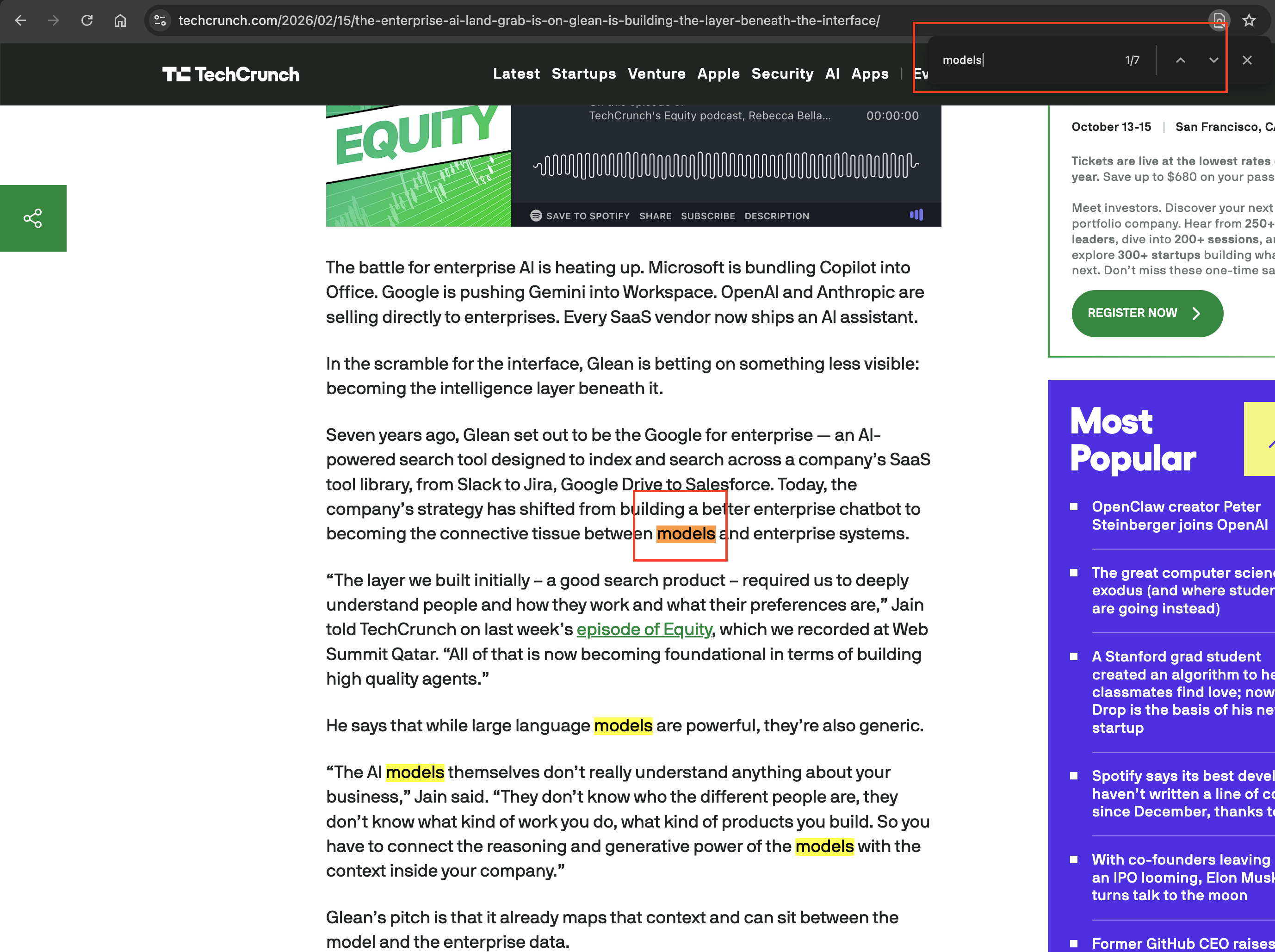
Please consider making a different search feature that will simply highlight every instance of matching text and allow users to scroll through it similar to how Googles “Find on Page” works when viewing a web page with a lot of text.
Currently the search feature returns an exhaustive list of all matching references but selecting any of the results takes the user to different window and causes the current document to disappear.
We actually did change the search to only present a list of results in the popover. Previously it would change the notes on screen. Now it only does that if you click one.
Note that you can use the history buttons bottom left to go back to where you were. Maybe that will help a bit.
Thank you for your prompt reply. Yes. I’m familiar with the smaller window that shows up when you run a search but panning through the results seems to be a bit inefficient. If there’s a document with 20 instances of a particular word it’d be nice to be able to toggle through them very quickly without needing to click on any of the results. I referenced Google’s “Find On Page” feature as an example. I’ve attached an image to provide a more concrete example as to how I think a “Find Within Current Document” feature should function.
(attachments)
Not sure you noticed this or not, but you can move from one result to the next by clicking again, hitting return, or using Edit > Find > Find Next (CMD-G). Perhaps that shortcut can help you move quickly between them.
I just experimented with the Command + G feature. Yes, this is precisely what I was looking for. I wasn’t aware I needed to select at least one option first. Thank you.
Glad it worked out! Let us know if we can help with anything.