What I did:
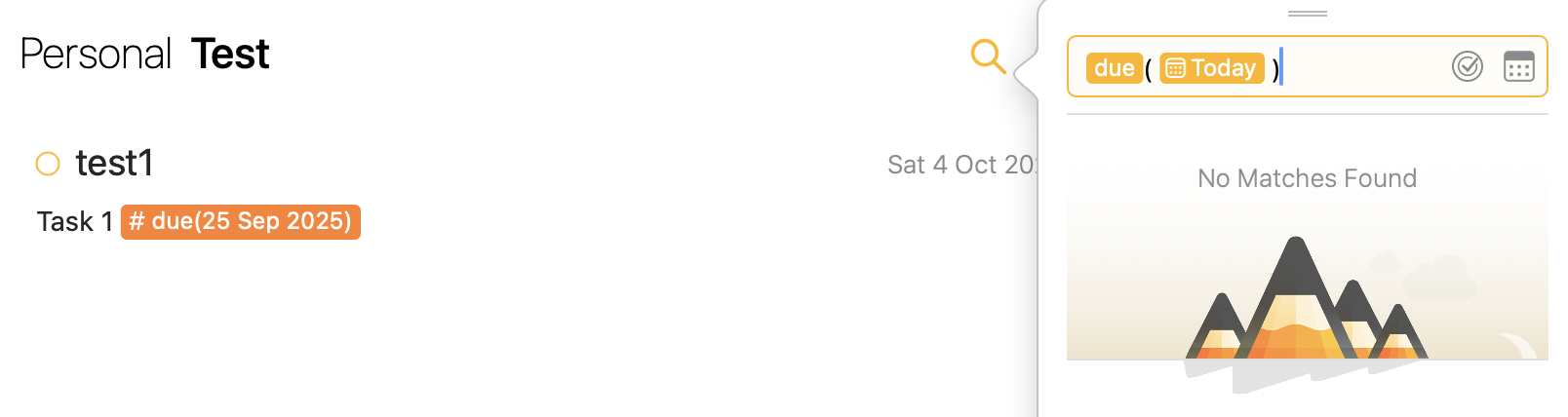
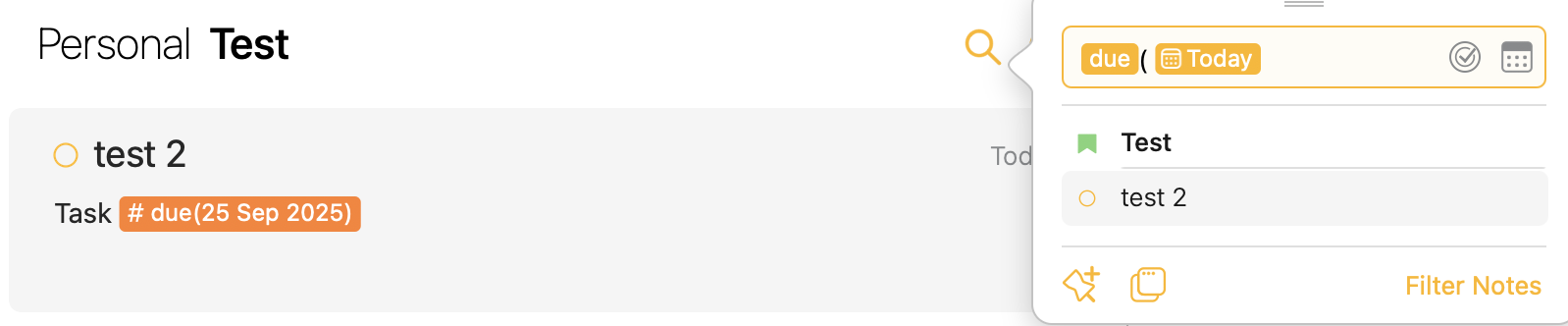
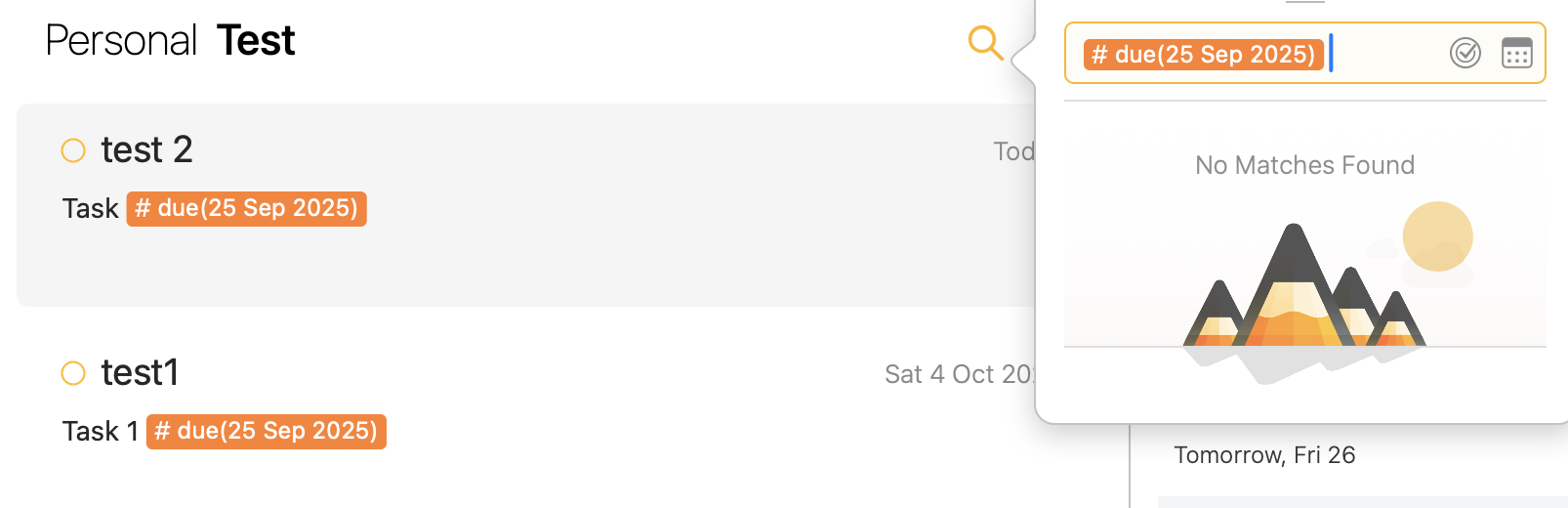
I created due tags with dates which were different from the date assigned to the note. When I tried searching those due tags using due(today), the results used the date assigned to the note instead of the one in the tag.
What happened:
First example - due tag has date 25th September and note has date 4th October, technically based on the date used in due tag it is due today but it doesnt come up in search
What I expected: Since i have explicitly put a date in the due tag, it should have come up
Things that might be helpful to know (Agenda version, OS and model, etc): I have only recently bought the premium subscription, so let me know if I’m doing something wrong
Actually it seems whatever the issue is, it somehow gets resolved by switching. When I search for # due(today), no results appear at first but when I click on ‘optional’ and then switch back to ‘required,’ the results show up correctly.
In addition, the search result is incorrect for me.
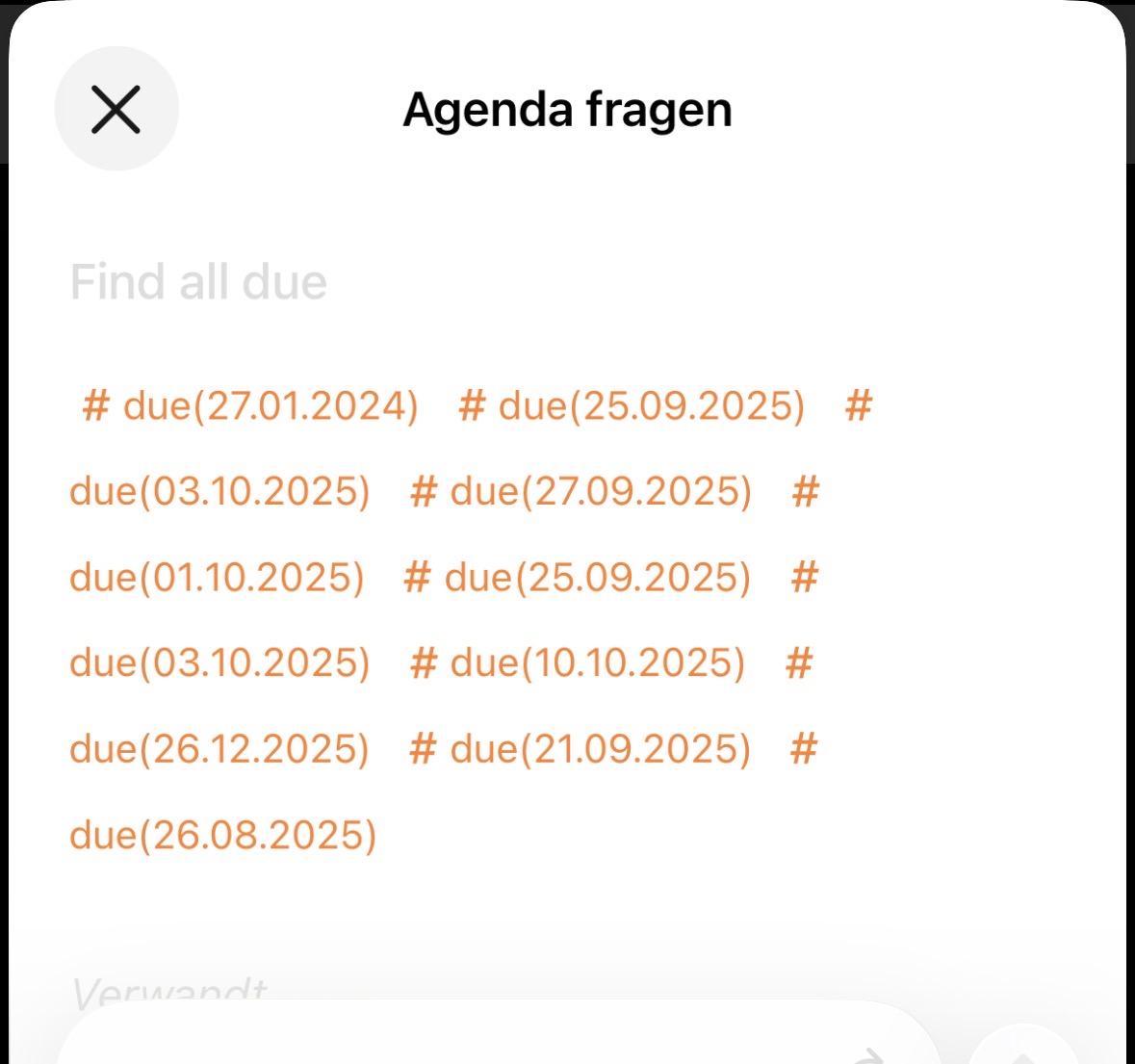
In both cases, “optional” and “required”, the tag #due(21.08.2025) is found on 25.09.2025 and when searching for #due(tomorrow). Why?
From what I understand, when you search # due(any date), it show all tags which are due till that date. Thats why the tag from August is also getting displayed in your case.
Well now that’s concerning…I think I need to find some other way to keep track of due tasks since I don’t want to randomly miss out on any assigned tag
It seems like a bug to me. I will take look at it. If switching the toggle fixes the search, it is just a refresh bug.
Re: due tags, they are special. A due tag should be found if you search for due any time after the date in the note. That’s because something that is due on a date remains due after that date.
If you want a standard date, that will just match on a particular date, you can just use date or make your own tag with a date.
What is the idea of using the \ with \@Pan? You don’t want to match a person?
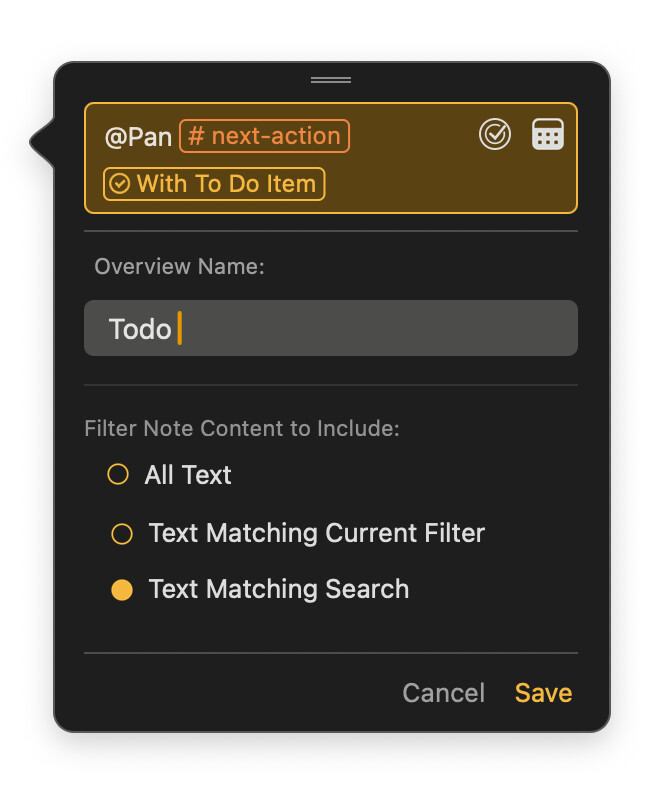
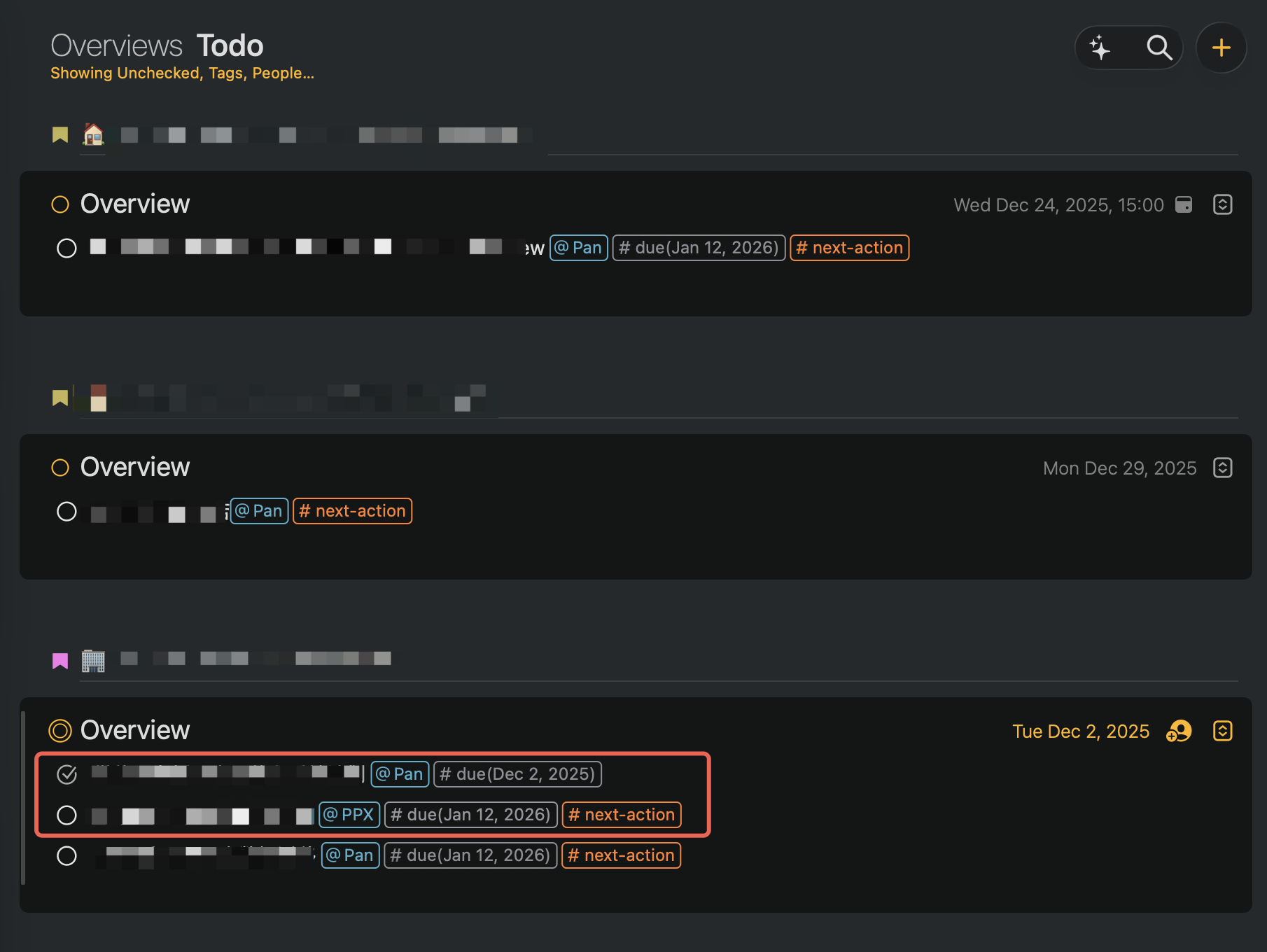
Note that overviews are note searches. It should find any note with a todo item, a next action tag, and the text “@Pan”. It looks like that is working.
I see you also have paragraph filters on using the menu at the top. It should show unchecked, with a tag, and a person (I suppose).
Can you explain what you expect, and what is happening? I can’t fully follow from the screenshots.
I apologize for the unclear description. The correct command should be:
\person(name:Pan) AND \tag(name:next-action) AND \has-unchecked-item
This query aims to find records that simultaneously meet the criteria of being assigned to @PanPan, having the “next-action” tag, and remaining unchecked.
Person alias contains Pan + #next-action + equal to To Do items
However, in addition to Pan, the returned results also contain unchecked records for PPX. According to my understanding, there should be no records for PPX returned. Am I correct?
Note that search works at the note level, not the paragraph level. So if your note has any unchecked item at all, the whole note will qualify. Same with the tags and person.
So this search should find all notes that have all of these true
Have a person called Pan somewhere in the note
Have a tag “next-action” somewhere in the note
Have an unchecked item.
It doesn’t require that these all be on a single paragraph. You can use the Paragraph filter to control what you see to some extent too. Eg you could setup the paragraph filter to only show paragraphs containing the person Pan. I think then you would be close to what you want.
Does this make sense? Are you seeing behavior that is not consistent with this explanation?
Hi Drew,Thank you so much for the detailed explanation! Now I completely understand how Agenda’s search works at the note level rather than the paragraph level.
While my use case would ideally require paragraph-level filtering (to show only @Pan’s tasks when multiple people are mentioned in the same note), I appreciate the current design and the workaround suggestions you provided.
For now, I’ll reorganize my notes to separate tasks by person, which aligns better with Agenda’s search logic. Looking forward to potential enhancements in future updates!
Thanks again for your patience and clear explanation.