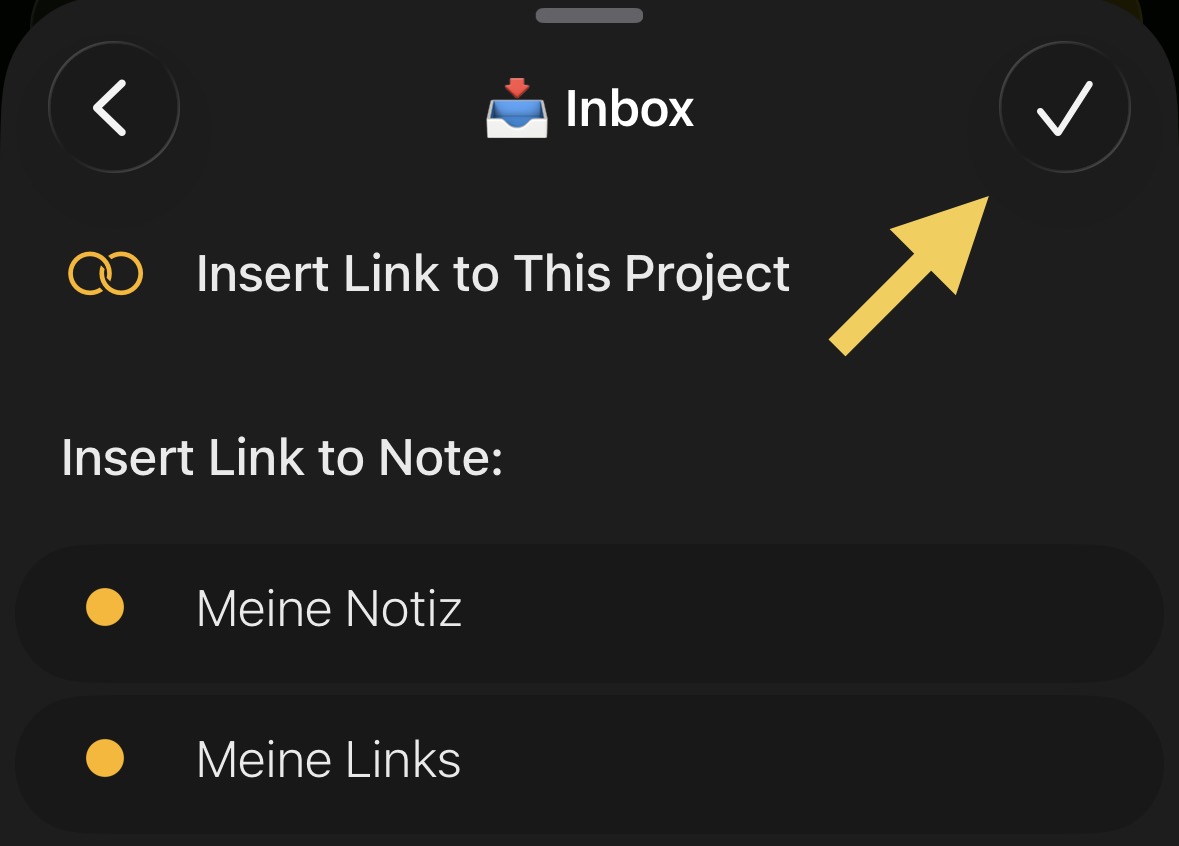
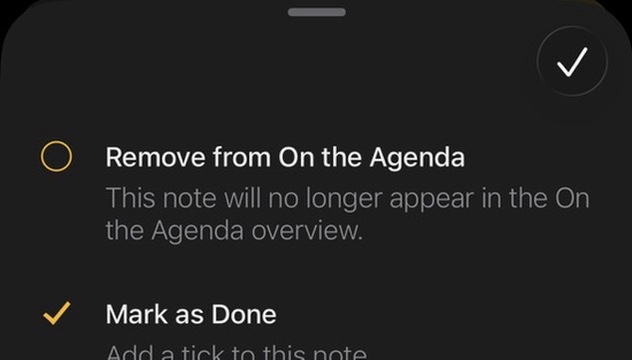
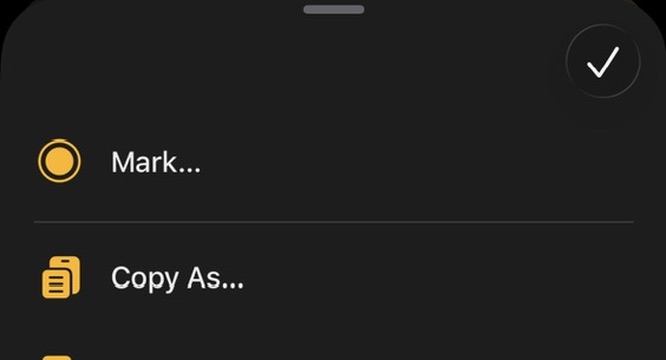
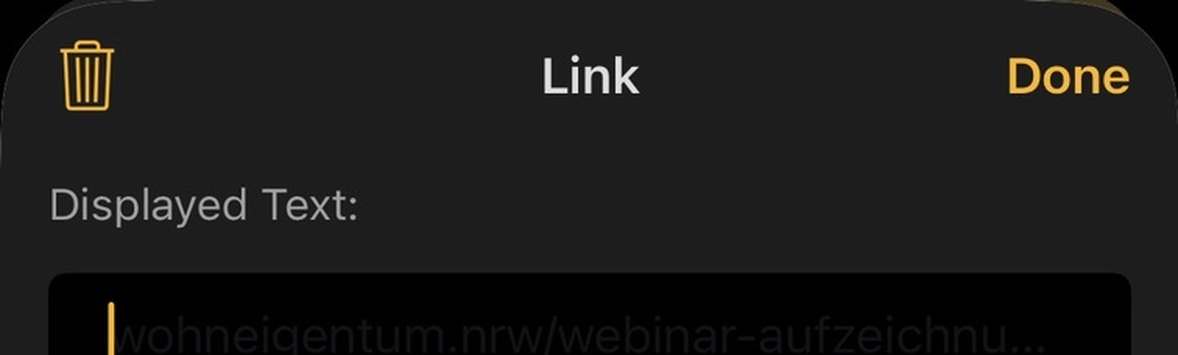
I’ve caught myself several times intuitively tapping the “dismiss” button to confirm an action.
That’s what happened in the sheet (iOS).
I actually meant to select “Insert Link to This Project” but my finger instinctively went to the button in the top right corner.
Apple changed the buttons in iOS 26, and it made things more confusing IMO.
The tick button you mention is what used to be the “Done” button. It is still called that by Apple in their docs. It indicates you are done/finished, and that the changes you made should be committed.
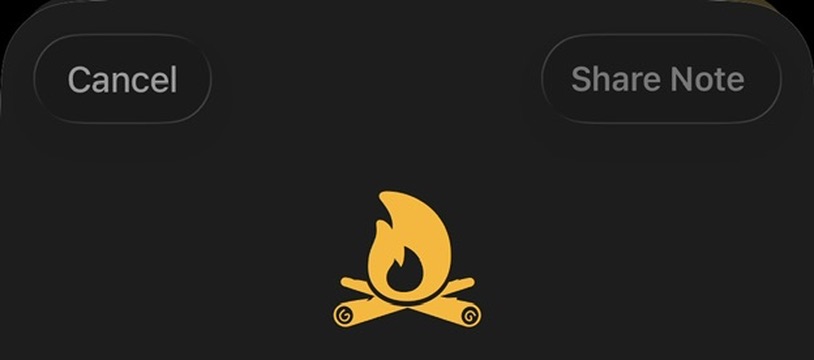
“Done” is often accompanied by “Cancel”, which means throw away the changes I made.
Some modal sheets, like Ask Agenda, have a close/dismiss button, the cross. This is used when there is not data to commit — or it is already committed automatically — and you just want the panel to go away. There is no concept of committing changes.
Over the years some of these things have gotten confused. Ask Agenda is correct usage, I would say. The menus should have dismiss buttons, not done buttons. And the “Done” text should now be a tick (missed in the update to Liquid Glass).
We’ll do a pass and see if we can improve it. Thanks for bringing it up!
This question is directed at apple. What ever happened to esc closing a popup w/o saving changes. And why in most apps the pop up opens to cover what you need to see to use in it?
Our own create a todo or event window closes but still puts an “untitled” in the time line thus in whatever calendar we’re using?