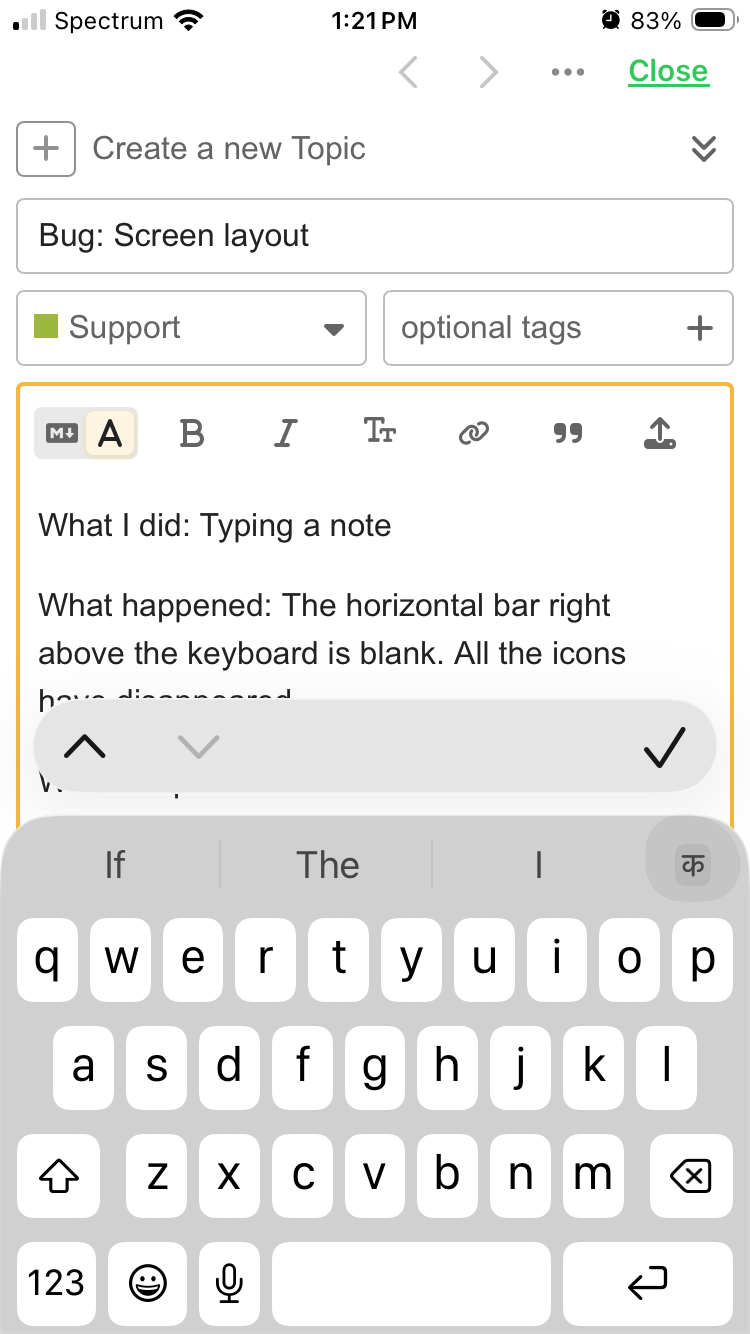
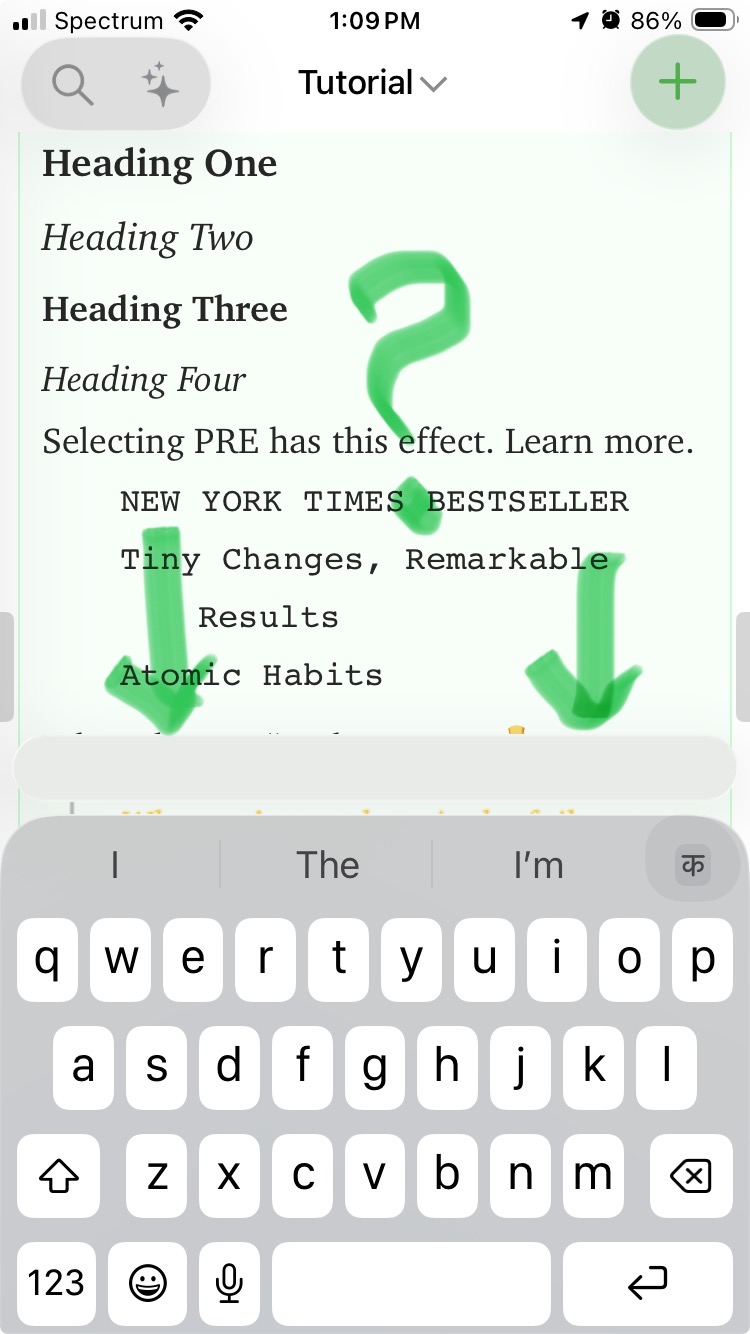
What happened: The horizontal bar right above the keyboard is blank. All the icons have disappeared. I can barely type this message because I can’t scroll up to see the text.
What I expected:
Things that might be helpful to know (Agenda version, OS and model, etc):
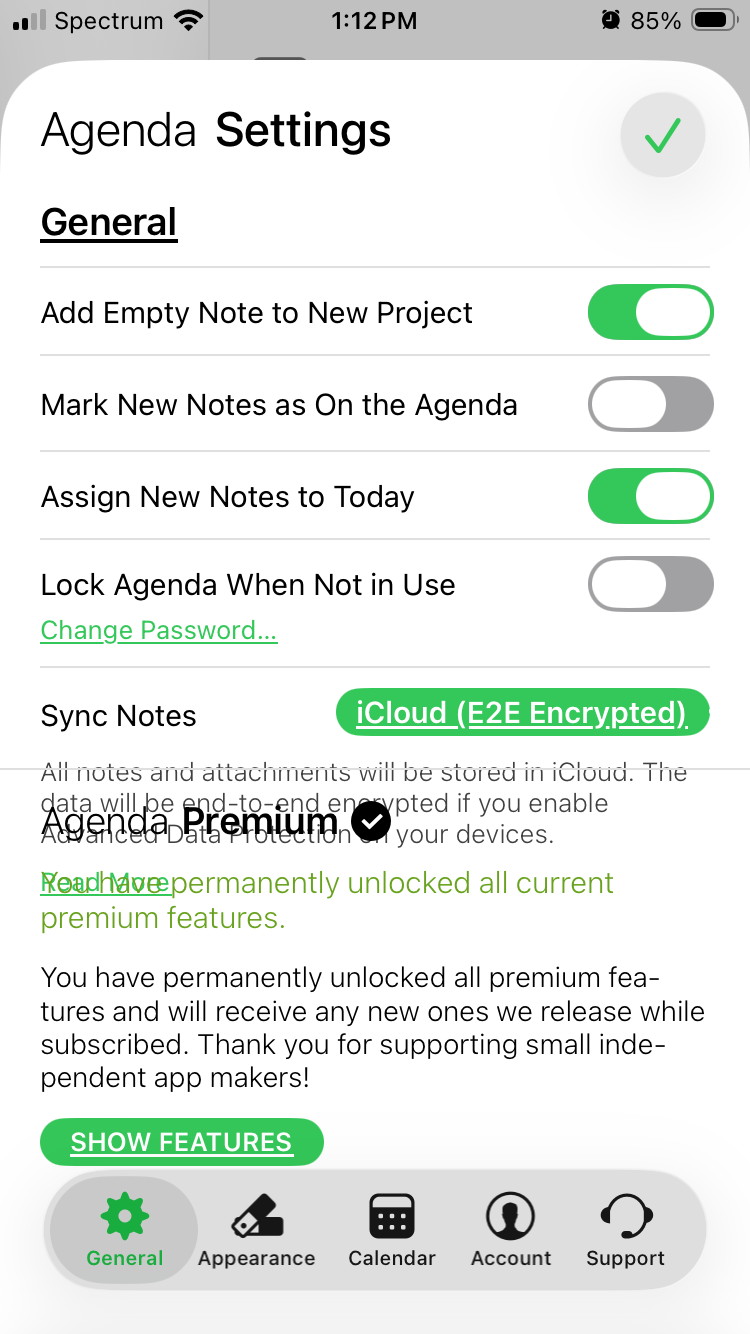
I turned off the Reduce Transparency option in Accessibility setting, and that seems to have fixed the problem. I don’t like that I had to change that setting. You would know better if this is an iOS bug. I have iPhone SE2 and I made the mistake of upgrading it to iOS 26. Also, I purchased the latest Agenda update without realizing that my hardware does not meet the requirements.