I’m enjoying Agenda in a way I never did with other so-called organizing apps. It really truly helps my project-based mind.
I recently completed an activity involving a one-week writing gig that included travel arrangements, group meetings, and reporting/writing. It was way more than a project: it was its own category, with projects and sub-projects, deadlines and milestones.
That’s now in the past. But getting it completely off my plate and sidebar can only happen by
Deleting the entire category with all its projects (not desirable)
Moving it to the bottom of the sidebar and collapsing it (only a little more palatable)
I noticed there have been requests over the past few years to make it possible to archive a category. I wonder if this is not a high priority because the developers are thinking about “Category” differently than some of us do. Reading the online help it appears that a “category” is something that persists, and that “projects” have a lifespan that eventually expires.
Projects and sub-projects were not enough for me to organize this particular activity. Now I’d like to get it into a category archive with all its projects. Making a new category called CATEGORIES ARCHIVED as a long-ago commenter suggested seems like an unnecessary workaround when some code might fix the issue and make the program that much more elegant.
Projects never expire. They only disappear if you remove them yourself.
You can archive projects, so you could go through and archive each of the projects to get them out of site. You could select them with shift held down, and choose File > Archive Projects. The projects will still exist, but be hidden in the Archived Projects item of the category.
If you really don’t need the projects anymore, you could just delete them.
Finally, you could just setup a category yourself called “CATEGORIES ARCHIVED”, and drag the categories in there. This would be very similar to any feature we created. In fact, the “Archived Projects” is not much more than a fancy category, which you could have created yourself.
Projects may not expire for Agenda, but my involvement with them does. That’s why a timeline is so useful. For me, there are endpoints as well as start points for a project. I archive them when I’m done, as you suggested.
But I’m talking about entire categories, not projects. I added the CATEGORY ARCHIVE category that I mentioned in the OP, and that’s good for something I might go back to someday, a la Evernote. I’m not thinking of Agenda as another Evernote, though. If I wanted a permanent archive of a Category, I’d transport it to Evernote with all my other bits of information (currently 12K discrete Notes). They’re all searchable and can be retrieved quickly.
I understand not everyone has or wants to use something like that. Agenda is on my desktop to offload some of the deadline and timeline worries from my day, and there’s some stuff I’d just like to be done with. On some level I believe a Category should be just as deletable as a Project (say, when it no longer contains any Projects or Notes).
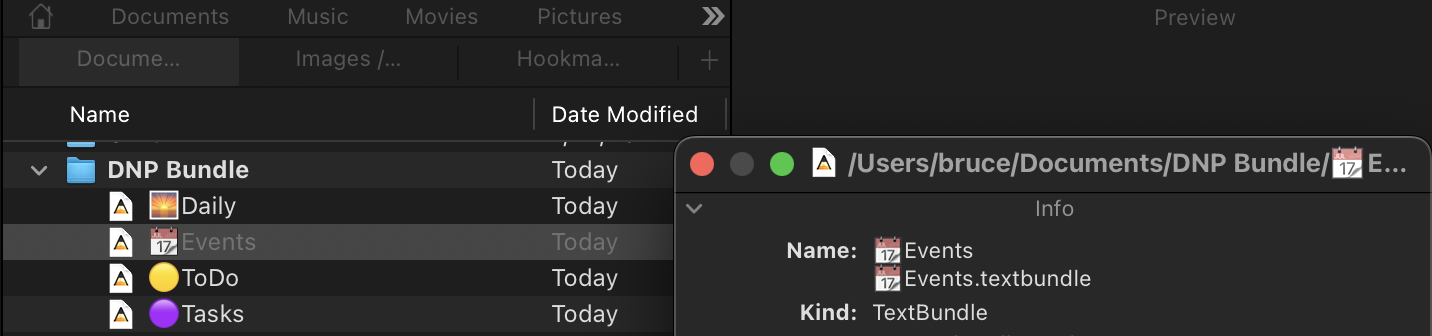
Just tossing spaghetti at the ceiling ! There are several options for exporting to a folder. I believe text bundle is considered to be the most reliable format.
You can delete a category. Use the three dots that appear when you mouse over it.
This doesn’t remove the projects, but you could either select the project before and delete them, or delete them in Other Projects after. It’s a little inconvenient, but it should not be too frequent that you need to delete a category full of projects.
Personally, I would just follow the archive approach. You never know when those projects might be needed again.