Unfortunately, it’s still there.
I find it unintuitive that in fullscreen mode the pane on the left has rounded corners at the bottom but square corners at the top. Also for my taste there is a bit too much padding at the top.
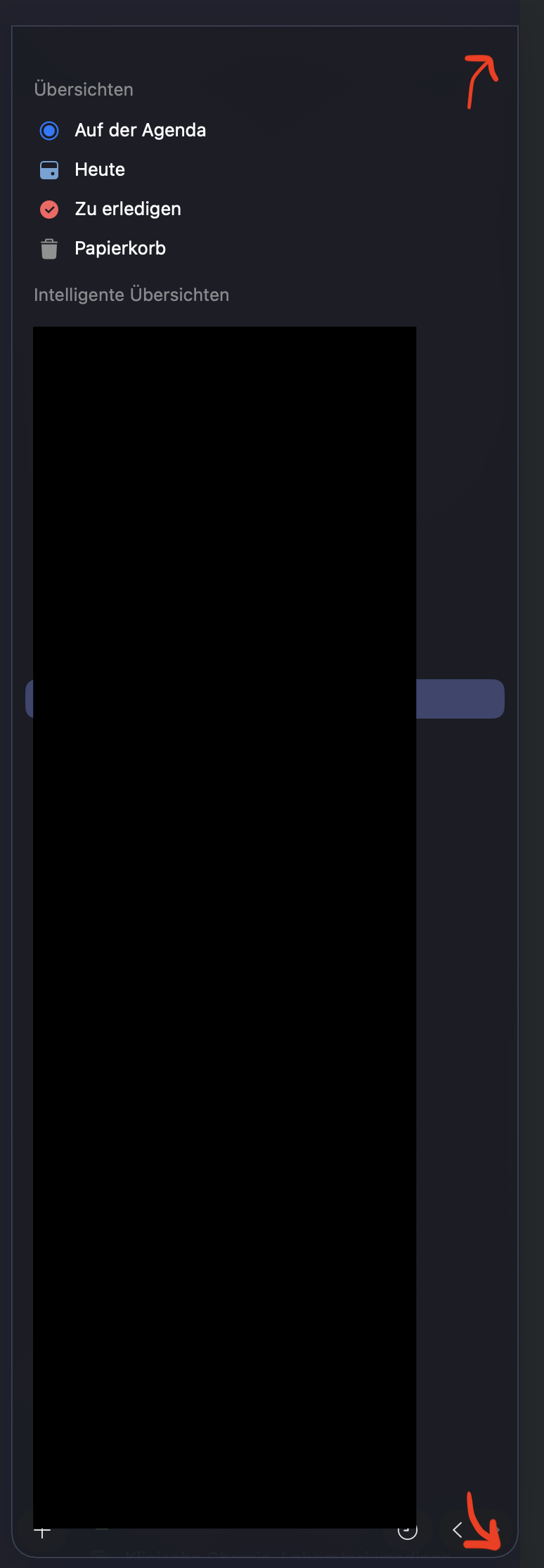
When I move the mouse cursor to the top, the missing part of the rounded corners seem to fade in.

MacOS version: 26.0
Agenda version: 21.0.1
Device model: Macbook M1 Pro 14” 2021

There is a background color issue under dark mode. The body part has a blue-grayish color. This background color goes away when no notes are available. I do not see this in Drew’s screenshots.
Also, the arrows for moving around dates is in an awfully sized pill. Please fix the pill size situation in the top right corner. In my opinion, even if you don’t make all pills the same height, at least there should be enough padding around the Ask Agenda and Search icons. Now the design looks visually off, with the plus button having significantly more padding than the other icons — they look stuffed.
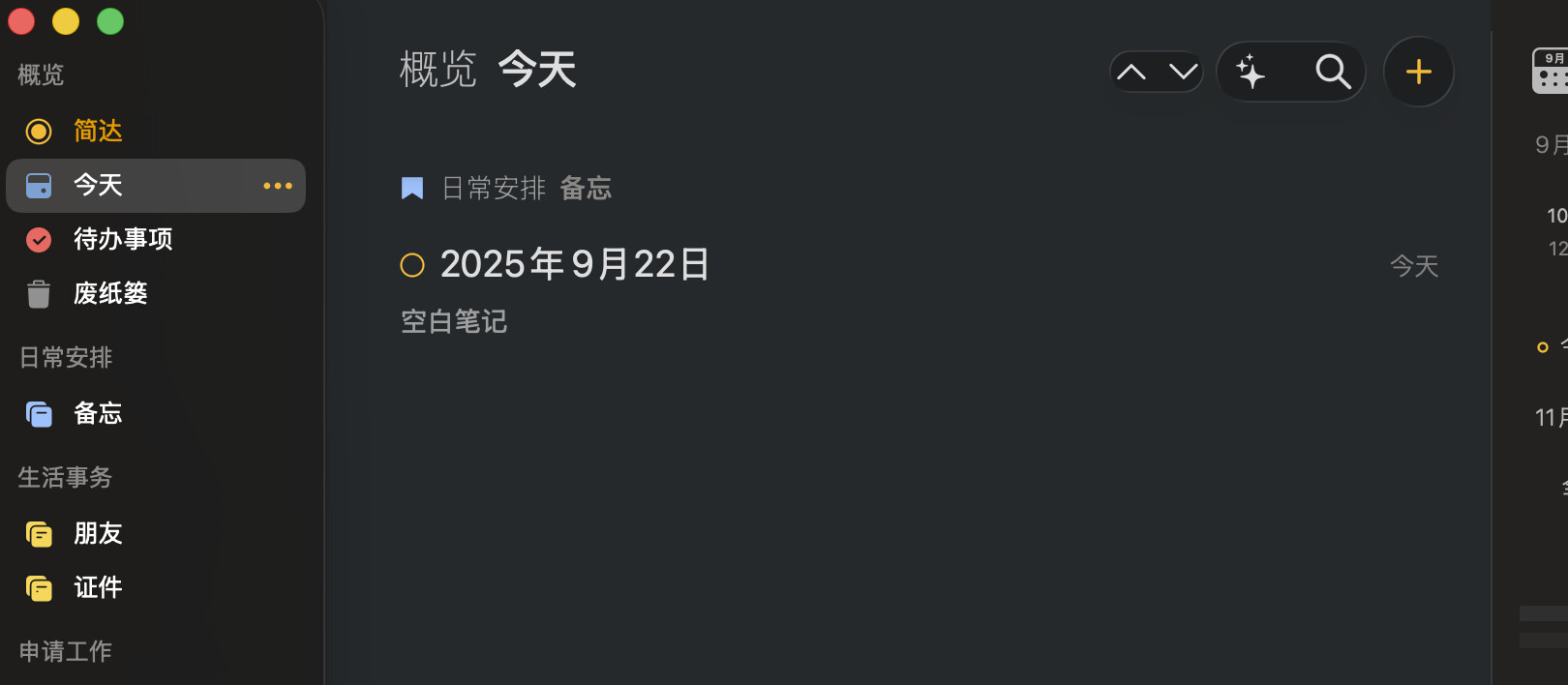
I have the same issue. The bar looks exactly the same as yours when not in fullscreen. Once I go full screen by clicking on the green button, the upper corners of the left sidebar go square. Moving the cursor to the top restores the rounded corners, just as @mrtbntz mentioned.
As with @zhehanz this happens only in fullscreen and restarting Agenda didnt fix it for me. The top bar with the close, minimize and maximize options only moves in from the top if I move my mouse to the top of the screen, I dont know if this is intended or a separate option I activated somewhere in the system settings.