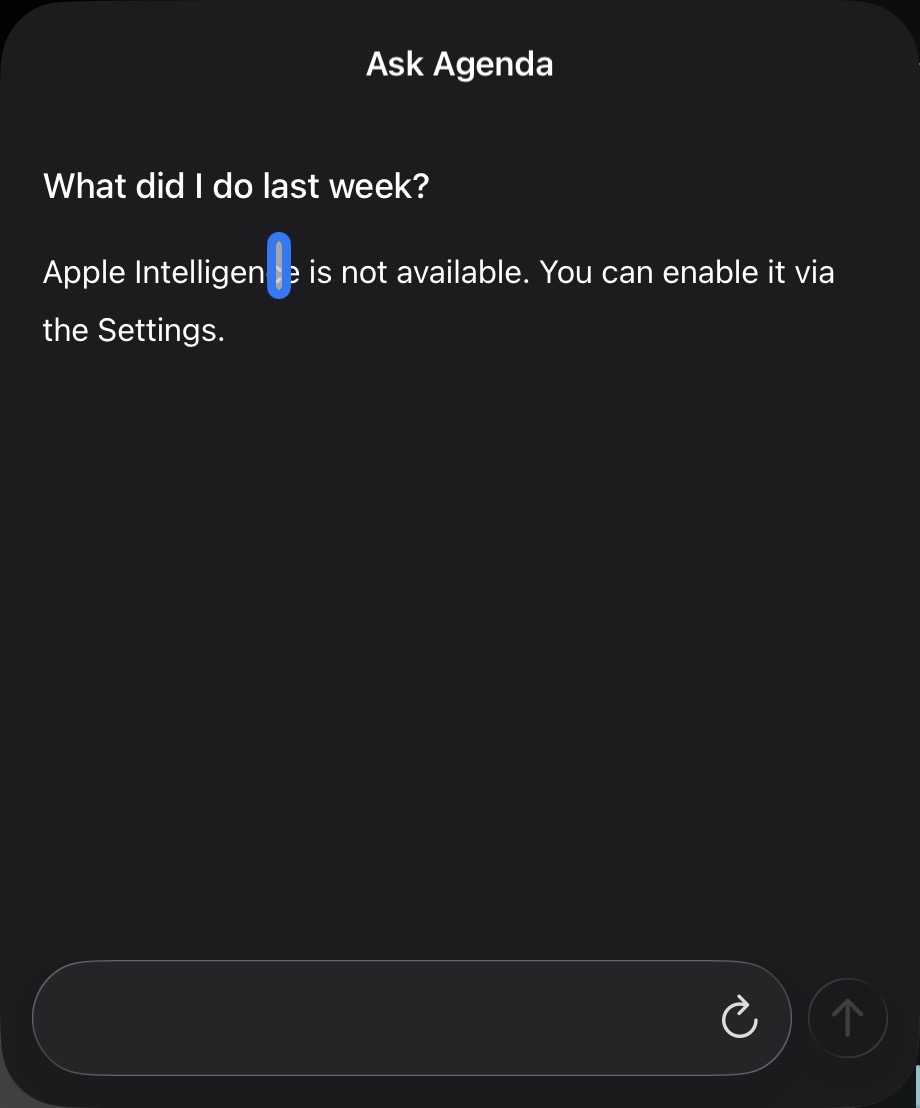
The Ask Agenda button is there, visible on every one of my “older” devices (shamefully mocking me for not replacing every single device to the latest generation).
What I expected: Is it possible to add a toggle to hide the Ask Agenda button?
Or if you want to make my absolute day / month / year / entire life - allow us to set our custom OpenAI API Compatible endpoint URL, and we could literally change the world. This would allow users to BYOK (Bring Your Own Key) and even host their own models and such on other devices and use them from Agenda. It would result in a measurable increase to the functionality of this feature by allowing for more complex queries or even web searches to be conducted by any model that is compatible.
I am totally happy to help implement / test / whatever this feature.
Things that might be helpful to know (Agenda version, OS and model, etc): iPad Pro (12.9-inch) (4th generation), iPhone 14 Pro Max
Probably better if they just stick with Apple Intelligence and keep the information private. Also, rather than adding a toggle, they should follow the guidance in the Apple dev documentation, and first check to see if the device is eligible for Apple Intelligence — if not, they shouldn’t show the button at all.
struct GenerativeView: View {
    // Create a reference to the system language model.
    private var model = SystemLanguageModel.default


    var body: some View {
        switch model.availability {
        case .available:
            // Show your intelligence UI.
        case .unavailable(.deviceNotEligible):
            // Show an alternative UI.
        case .unavailable(.appleIntelligenceNotEnabled):
            // Ask the person to turn on Apple Intelligence.
        case .unavailable(.modelNotReady):
            // The model isn't ready because it's downloading or because of other system reasons.
        case .unavailable(let other):
            // The model is unavailable for an unknown reason.
        }
    }
}
I disagree, I’m afraid. The standard on Apple platforms is to have controls/menu items visible even when they are not active.
Apple Intelligence can be disabled for many reasons: device, language, whether the model is downloading etc. It would be quite confusing to be showing and hiding the button on every change of situation. What’s more, people wouldn’t know about the feature, because it wouldn’t be visible anywhere in the UI. Perhaps they just need to switch to US English, and it will work.
There are lots of buttons in the UI that people don’t use. The problem is, the set of unused buttons varies by person. It’s one button among many, and setting up a preference just for that one button is a bit crazy. Just ignore it.
Re: Cloud. Sure it would be a better experience with a cloud LLM, but you give up privacy. The problem is not writing the code — we’ve done that quite a few times in other projects now — it’s the uploading of data.
Besides that, it is quite likely Apple will open up their Private Cloud Compute at some point, perhaps even next year, and that does offer more secure cloud services.
This version of Ask Agenda was just dipping our toe in the water. We have lots of ideas, already have many prototypes, and it will get dramatically better over time.