I’m sorry, I didn’t see this response/question.
I save notes in Agenda in different Categories - my law office, my title agency, and my personal life. I live and die by my calendar, so having the calendar event have the Agenda link is why I love using this app.
In any event, due to my days being busy with a few businesses, my personal life, and the matters that I handle for my clients being over 100 at any given time, I like to be as efficient as possible. Ideally, I don’t like to have to use the mouse if I can get an app’s shortcuts memorized.
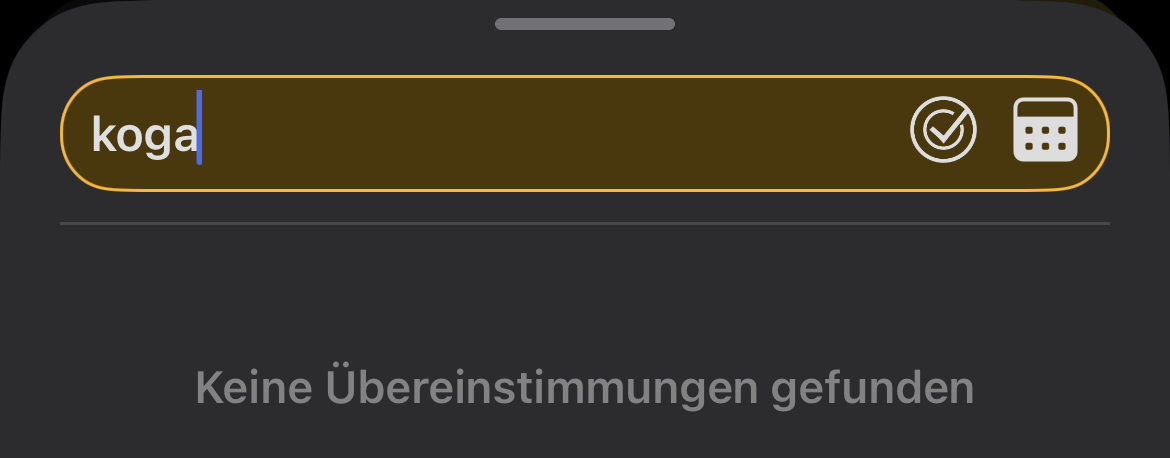
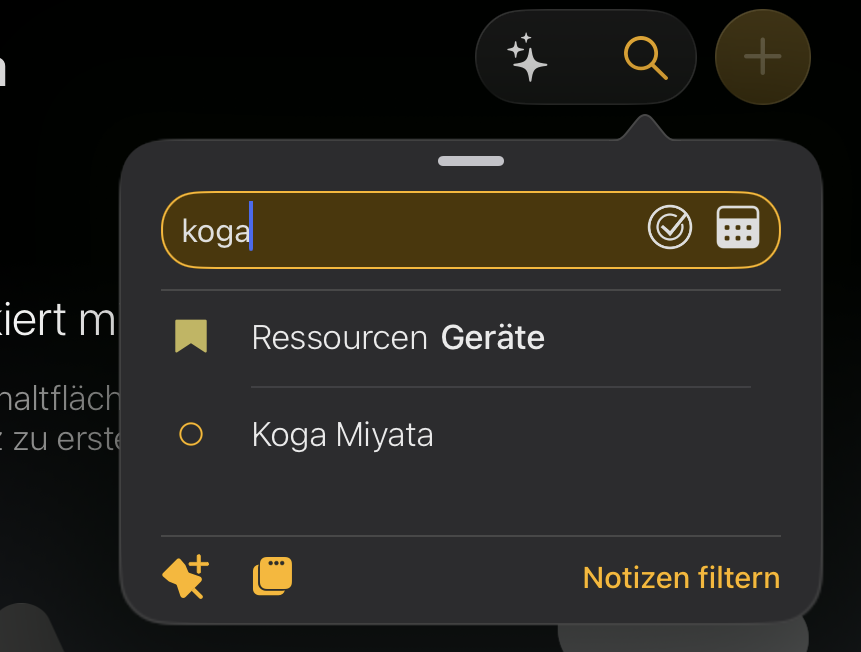
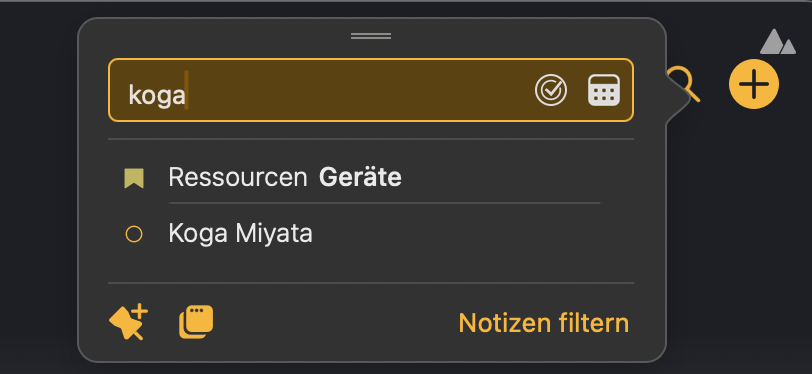
In Agenda, I love the CMD-F shortcut, as that’s what I feel the shortcut should be to quickly bring up a master search. I usually search using tags and people, so if I search for @LD (one of my employees) and I hit RETURN, I get a long list of notes that apparently have her tagged. In order to navigate through those, I have to click on each one, if the title of the note I’m looking for doesn’t jump out at me.
To navigate, I use my mouse, or I can navigate down with my arrow keys. When I then highlight one that I want to check on, I click RETURN or click on the note title. That then takes me to that project and that note, but other notes show up in the visible list, so it’s not clear where the @LD is located in the paragraphs of notes that are shown. I have to then click on the note from the CMD-F list a second time in order to have the tag pop / highlight to show me where to look.
Then, if that wasn’t the note I was looking for, I have to type CMD-F again to bring the list back up again, then I have to click on the next note to see if that’s what I’m looking for.
I will try to type other words in the search box as well to narrow down the results, but most of those words, tags, and/or people will appear multiple times and in multiple notes over the course of the projects, so I’m never quite sure which note to click on when looking at the titles in the search results. I will also find that when searching with search terms and tags, there are no results, so my memory for what the search terms would be differs from what I apprarently typed at the time. While that is my memory problem, it’d still be good to get a list of notes that might be what I’m looking for or at least have some of the search terms.
Usually, if I narrow the search down to 3 or 4 notes, I will find the one I’m looking for in a minute or so, but I likely could have found it just as quickly by navigating to different projects and scrolling through all the notes to try and find the one I need.
I’m not a product designer, so my feedback probably doesn’t help much. Also, I might be using the app incorrectly, and maybe there’s an easier way to find the list of notes in a search window instead of the CMD-F results list?
But searching and only being given a list of note titles to click through one by one makes it difficult and time consuming for me. I tend to revert back to using Things3 and just pasting Agenda links in tasks and projects in that app. The functionality of Things3 with keyboard shortcuts is what I wish Agenda had because in that app, I can click CMD-F, get a quick-results list to pop up that might show me what I need, but if not, I can hit RETURN and get every project or task that has the searched text/tag. If Agenda had that quickness and ease of use, I’d likely ditch Things3 and
agenda list.pdf (104.5 KB)
never use another app.
Thank you for listening/reading, and please let me know if I am just doing something wrong in my use of Agenda, as that is quite likely the true problem! Love the app, and thank you for your continued development of it!